Arrange two friends at a café, a runner with a dog, or a group surrounded by pets and furniture. Set up the picture you have in mind, then use AI to create the image.
By SEEDANCE 3.0
Suppose you want one person sitting, another standing behind them, and a dog at the front where a chair cannot hide it. Arranging that scene can take less time than explaining every position in a prompt.
Pose Studio lets you arrange people, animals and everyday props in one 3D scene. Pick a pose, move things into place, choose your view, and use that picture as your AI image reference.
People, together
Add male and female figures and choose from 36 human poses, including sitting, walking, gestures and action poses.
Pets and horses
Add cats, dogs and horses, including several of the same animal. Each animal has suitable poses such as sitting, walking and running.
A place for everything
Use chairs, stools, tables, boxes, balls and staffs. Move, rotate and resize them to fit your scene.
A reference you can take anywhere
Set body and background colors, choose the camera angle, then download a PNG, copy the image or share an editable scene link.
Each pair below shows the 3D reference and the AI image. The reference gives the picture its starting arrangement; your prompt adds clothing, setting, lighting and style.
Arrange a complete scene
Choose the people and animals, set their poses, and place the props around them. The whole arrangement becomes a single reference image.
People, pets and a horse in one scene
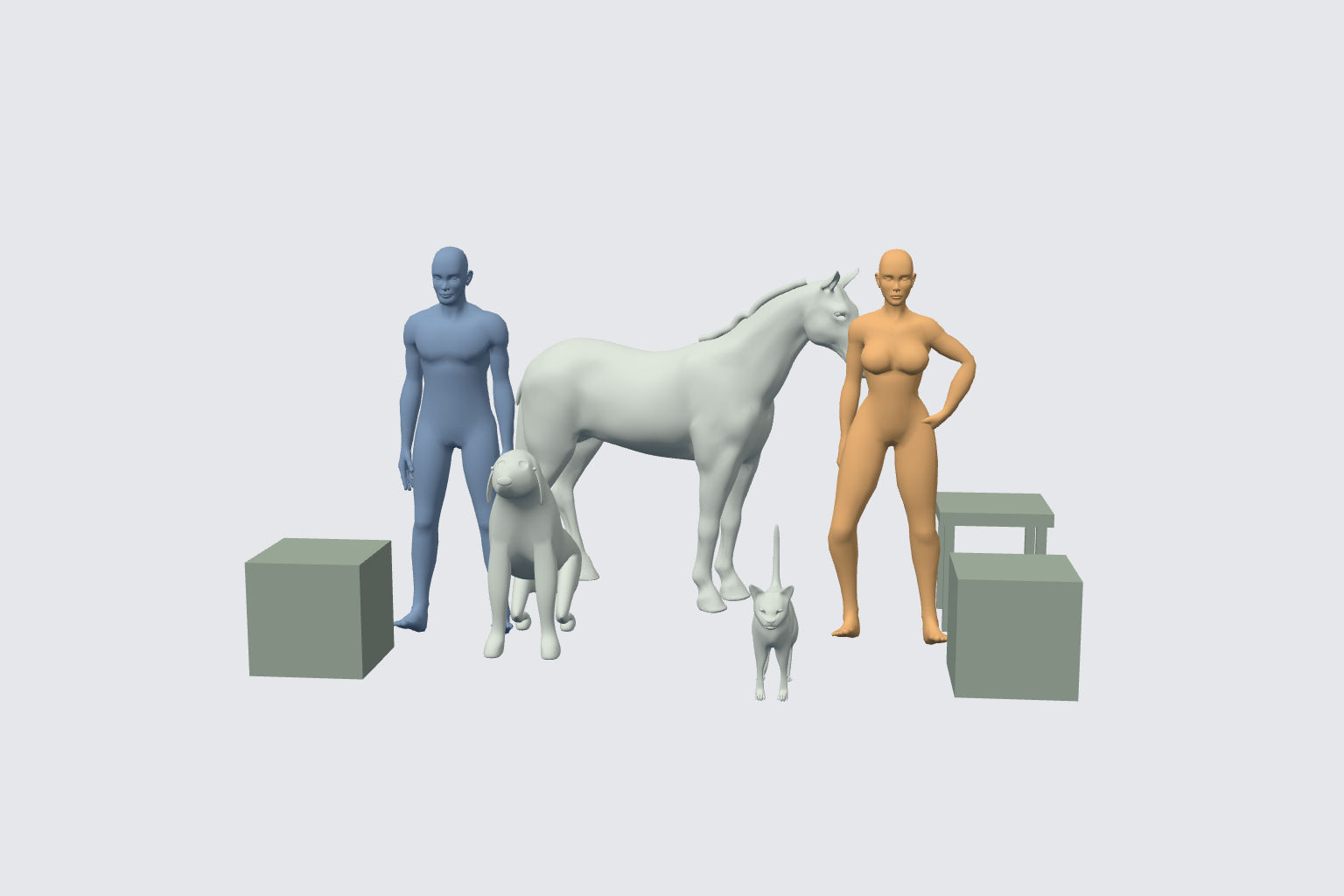
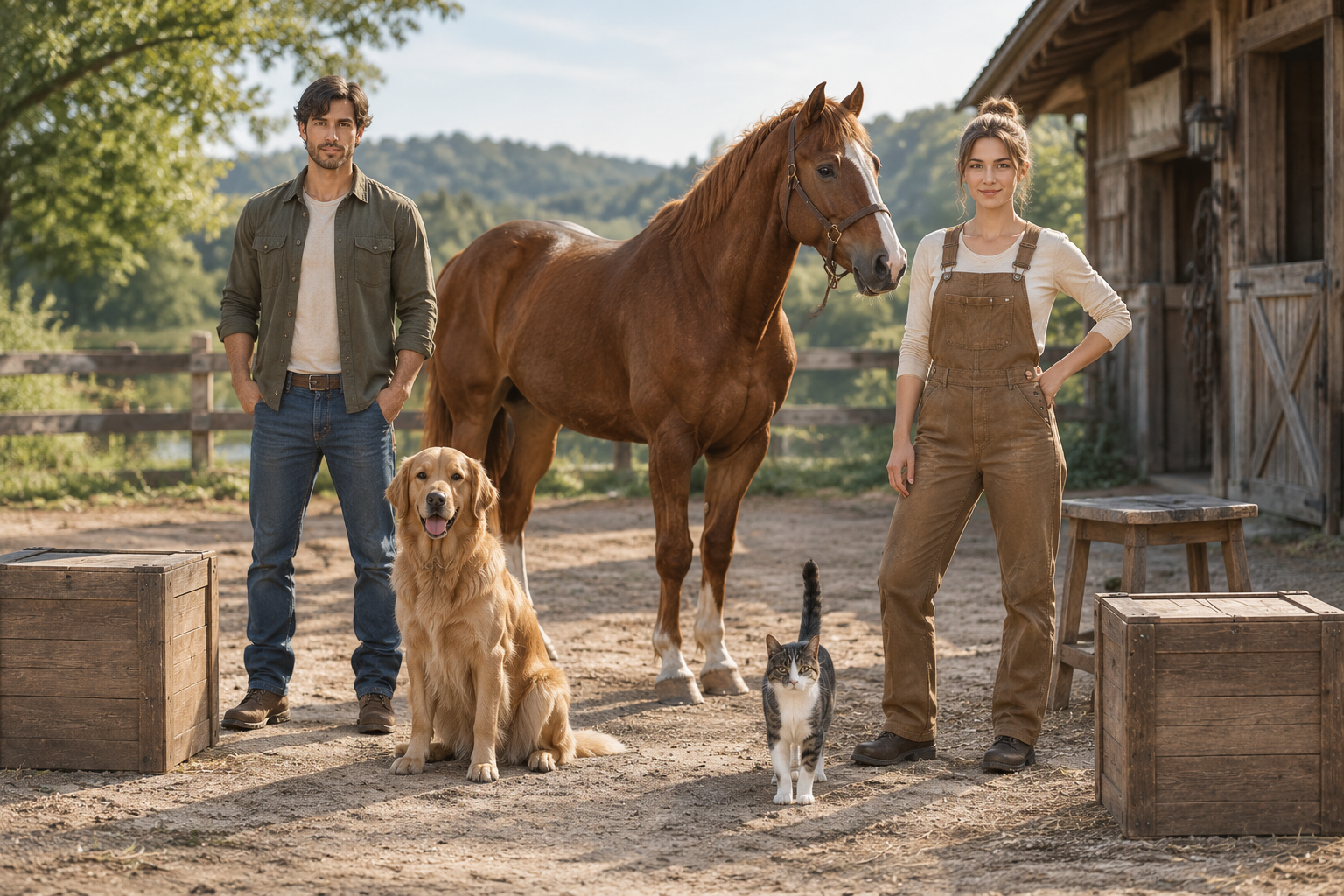
Before writing the prompt, arrange two people, a horse, a dog and a cat, with boxes and a stool around them. Leave enough space to see each subject clearly.
3D referenceAI image
Both people, all three animals and the side props appear in the result. The horse and pets take up more space than in the reference.
Try this prompt
Cinematic countryside photograph of an adult man standing at the left, an adult woman standing at the right, one chestnut horse behind the center, a seated dog at the front left and a small cat at the front right. Two wooden crates and a wooden stool sit at the sides, in the positions shown. Keep all five subjects distinct and full bodies visible. Simple outdoor workwear, rustic stable courtyard, soft morning light.
The same gathering, seen from above
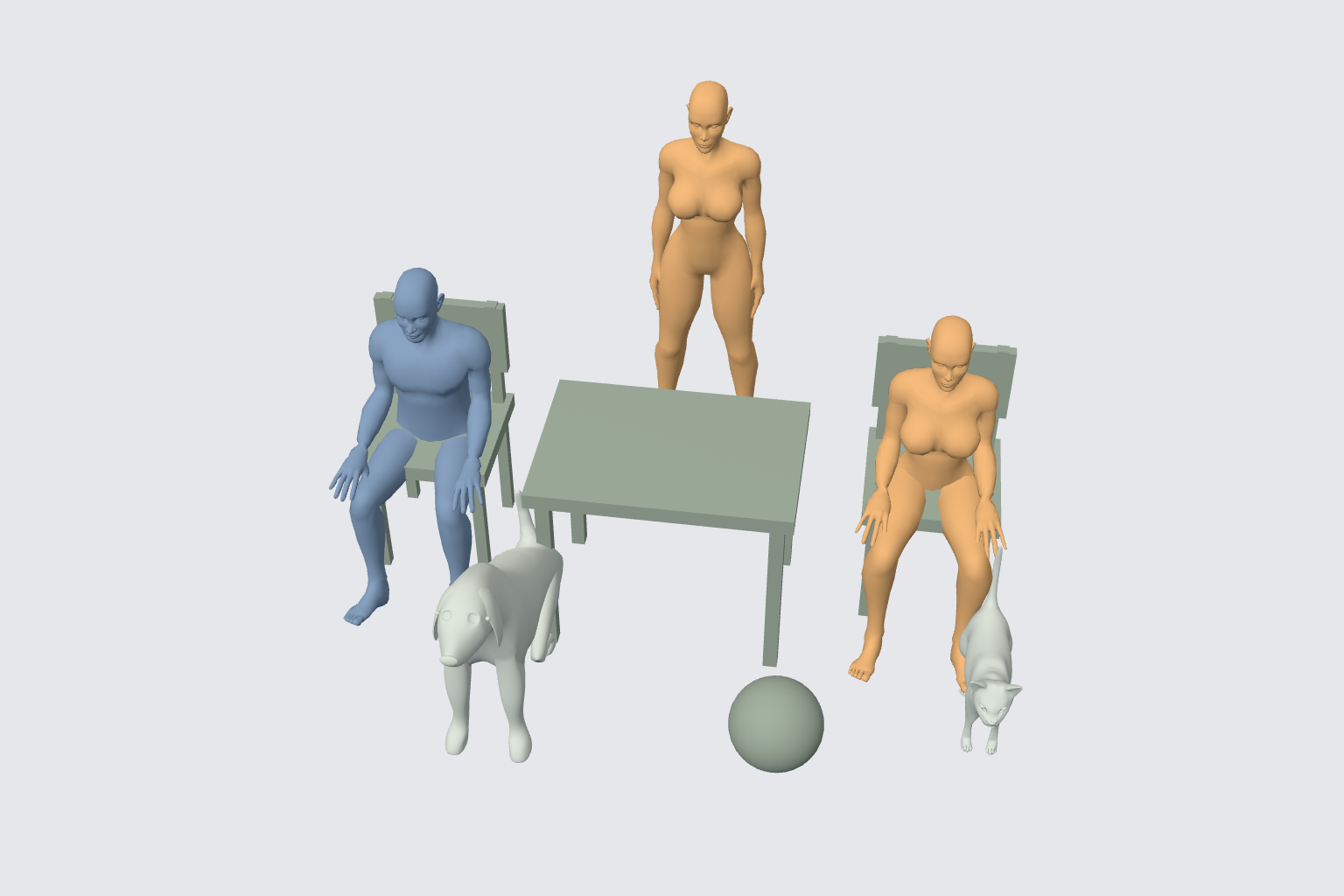
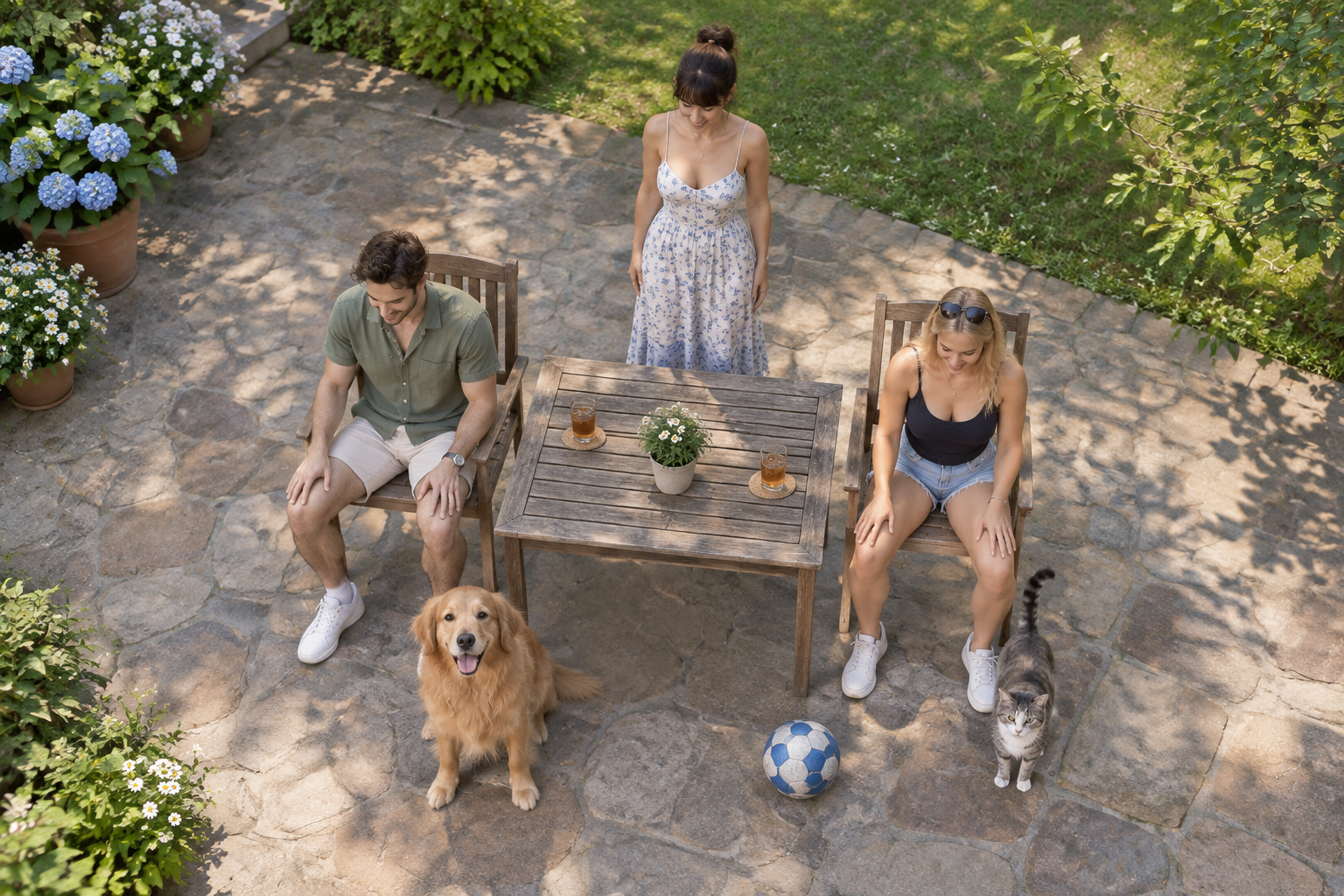
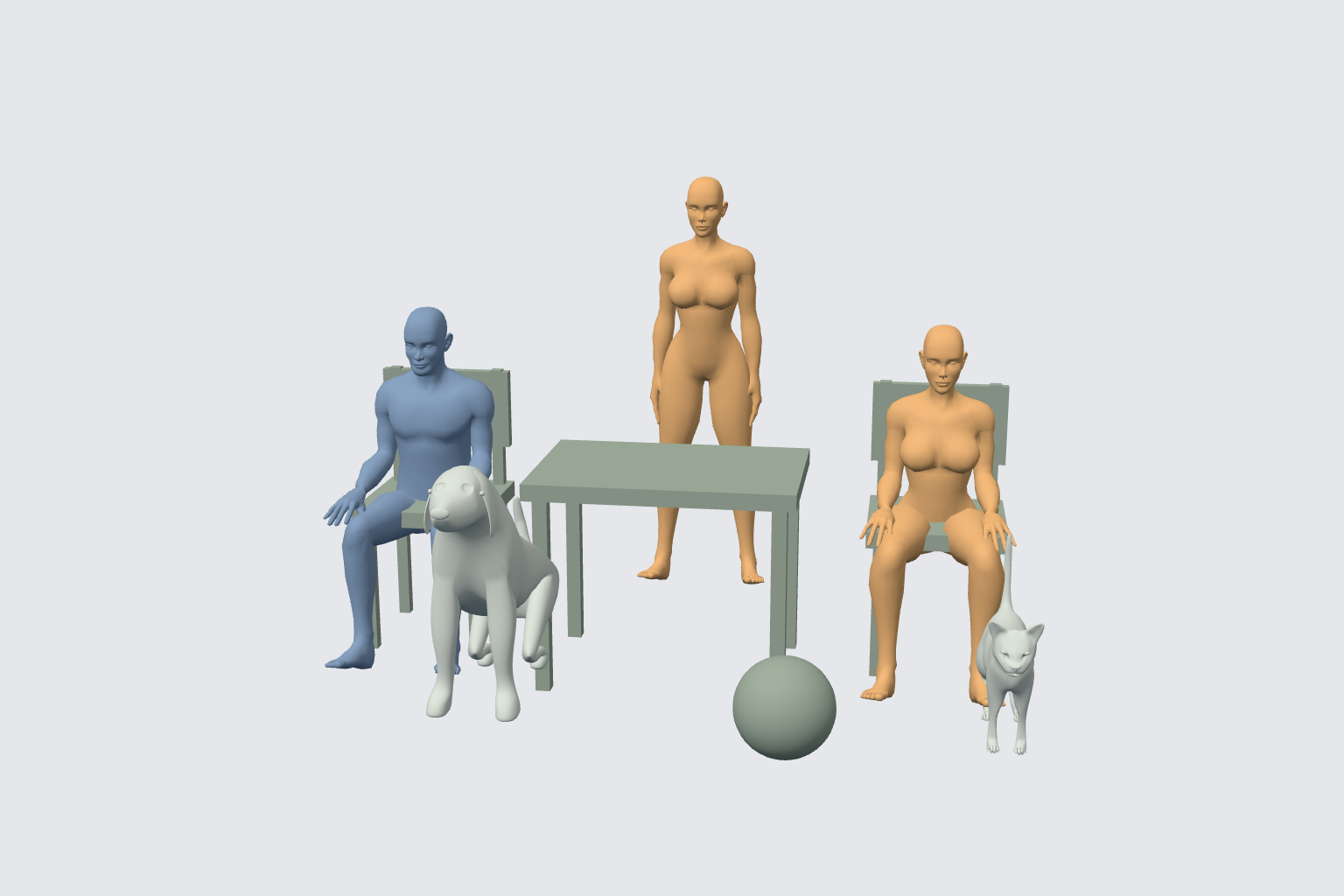
Arrange three friends, a dog, a cat, a table, two chairs and a ball before generating the image. Raise the camera to show the table and keep the whole group in view.
3D referenceAI image
The higher view keeps all three people, both pets and the furniture visible. The hand positions change, but the group arrangement remains clear.
Try this prompt
High-angle editorial photograph looking down at three adult friends gathered around a wooden garden table: man seated left, woman standing behind the center, woman seated right. A dog sitting at the front left, a cat at the right edge and a ball at the front right. Preserve the overhead camera angle, exactly three people, two pets, two chairs and one table, and their relative placement. Summer clothing, garden patio, gentle daylight.
Two horses, two people, clear spacing
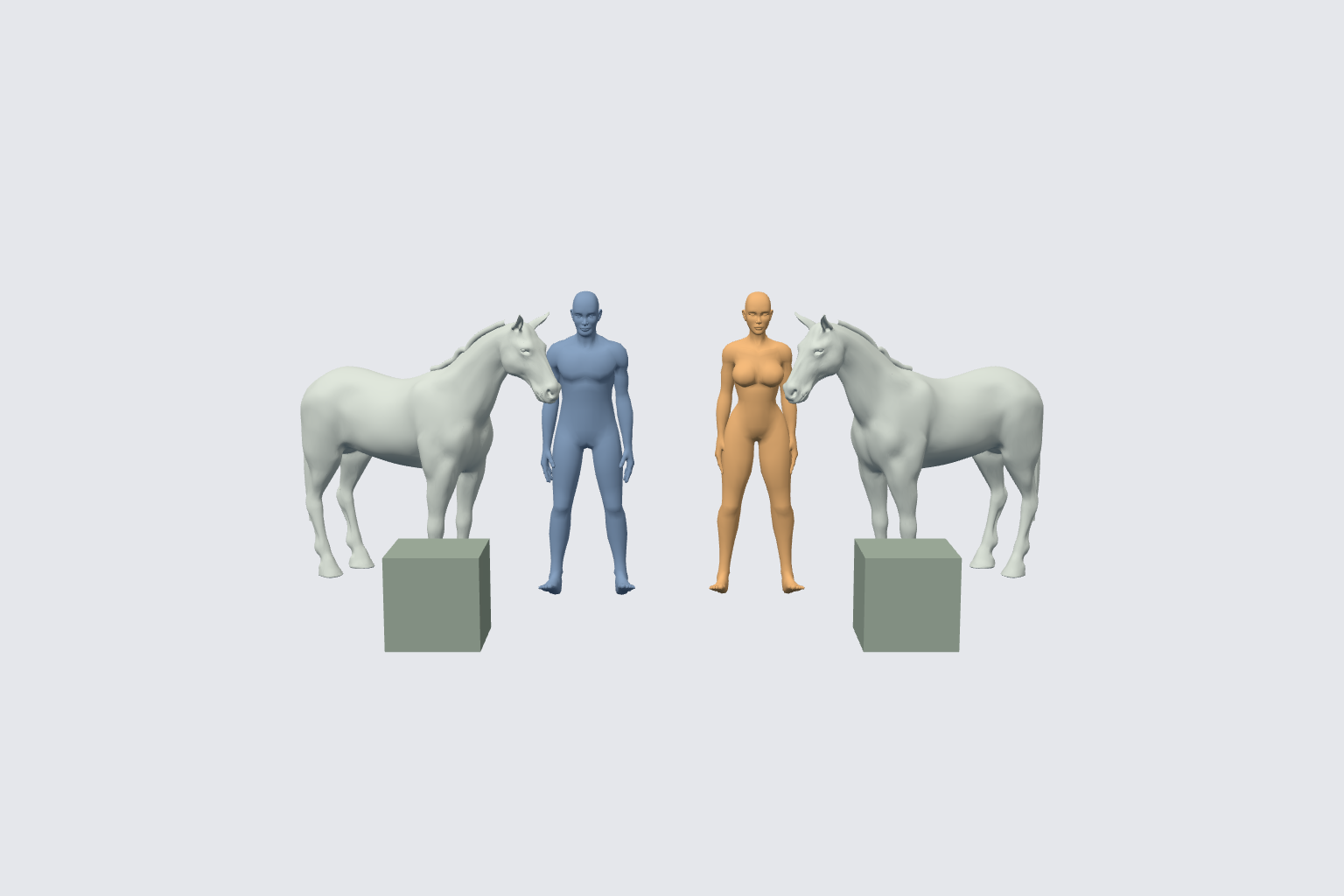
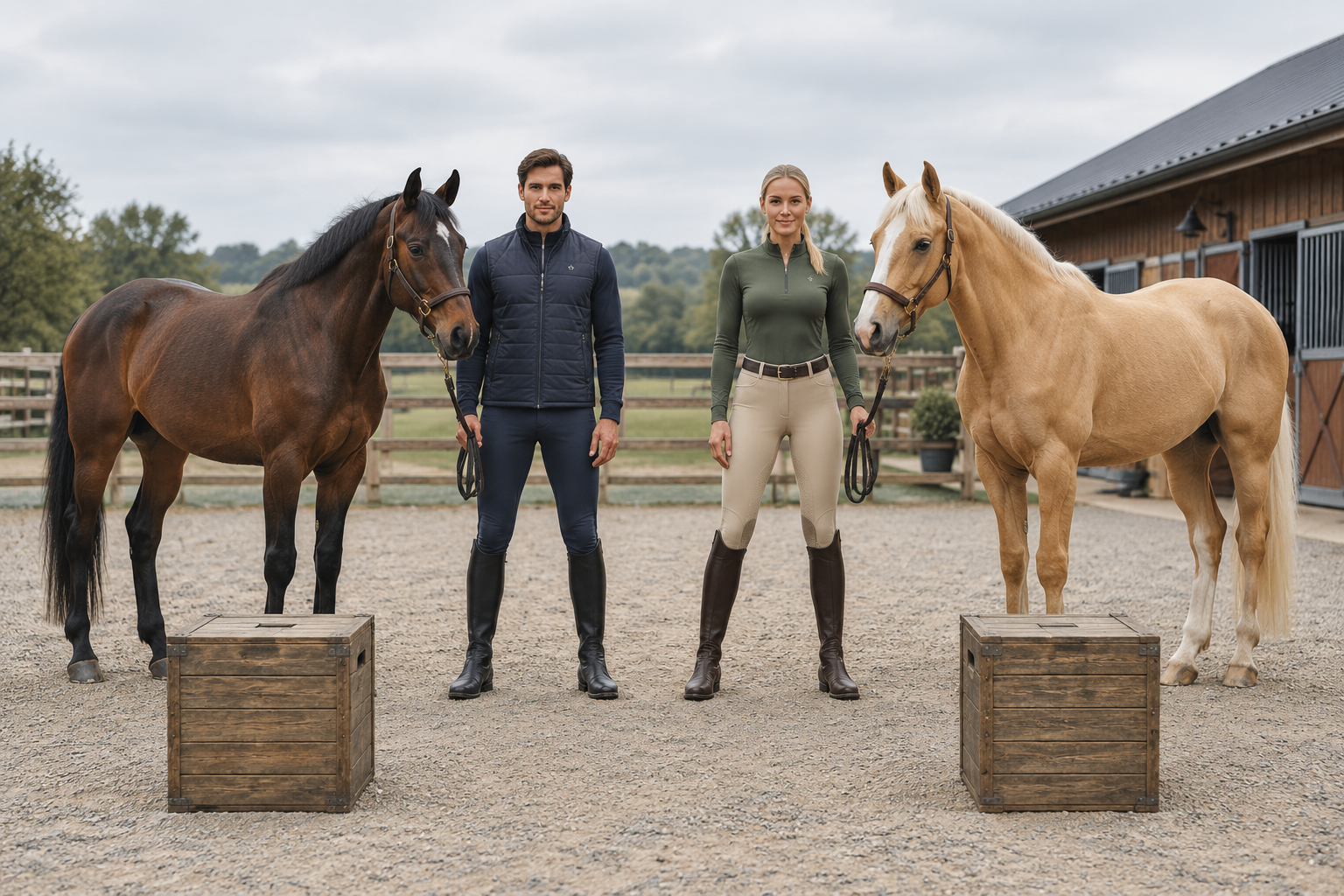
You can add several of the same animal. In this scene, two horses stand on either side of two people, with boxes in the foreground.
3D referenceAI image
The two horses remain on opposite sides of the two people, with both boxes in the foreground. The horses have different proportions in the generated image.
Try this prompt
Equestrian editorial photograph of two adult horse handlers, a man and a woman standing between two horses at an outdoor stable. A dark bay horse on the far left and a palomino horse on the far right. Two wooden storage boxes sit near the front corners. Preserve the four separate silhouettes, full bodies and layout. Practical riding clothes, soft overcast daylight. Exactly two people and two horses.
Two people, more possibilities
Choose each person’s pose and adjust the space between them. The same controls work for a standing portrait or a seated conversation.
Two people, one composition
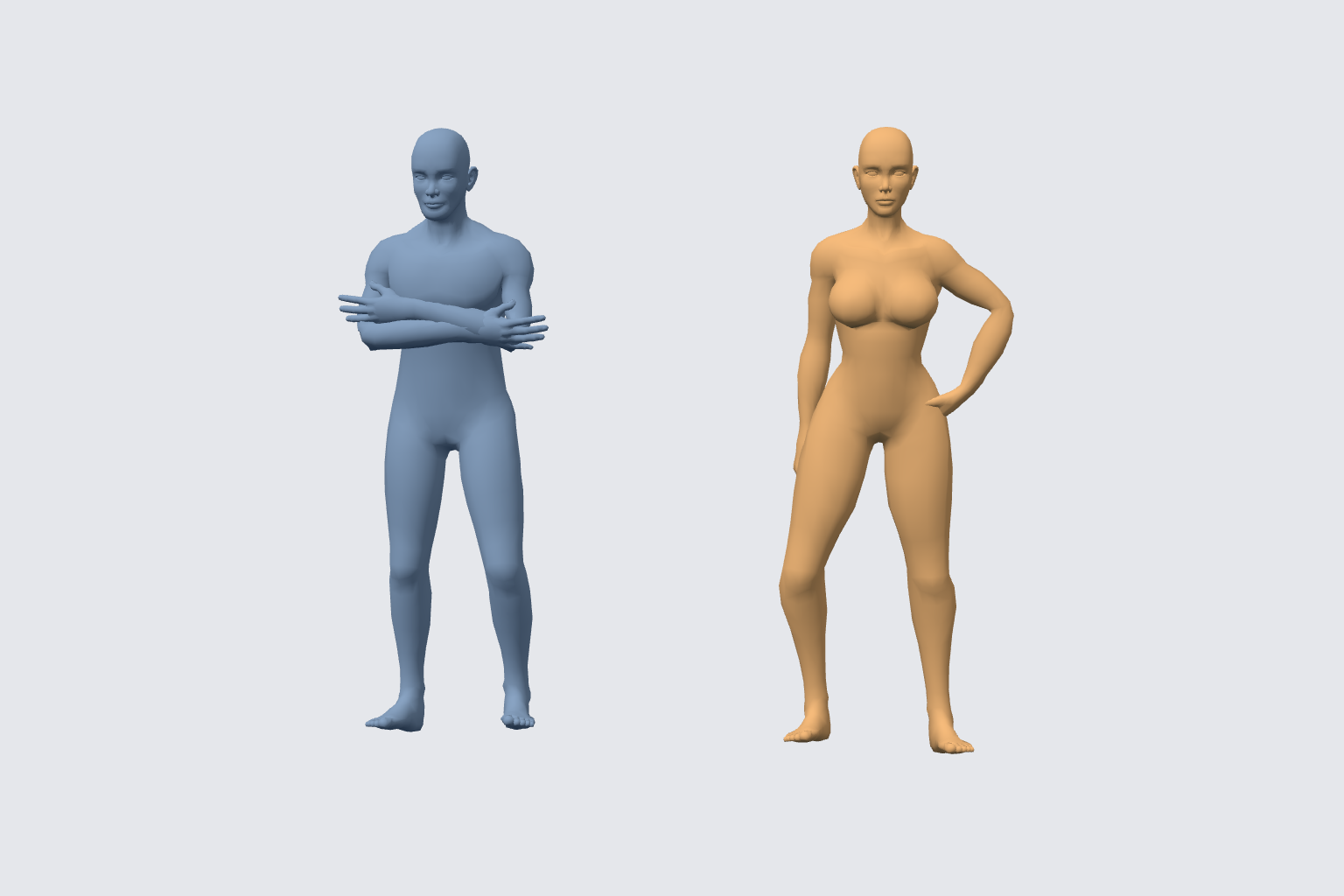
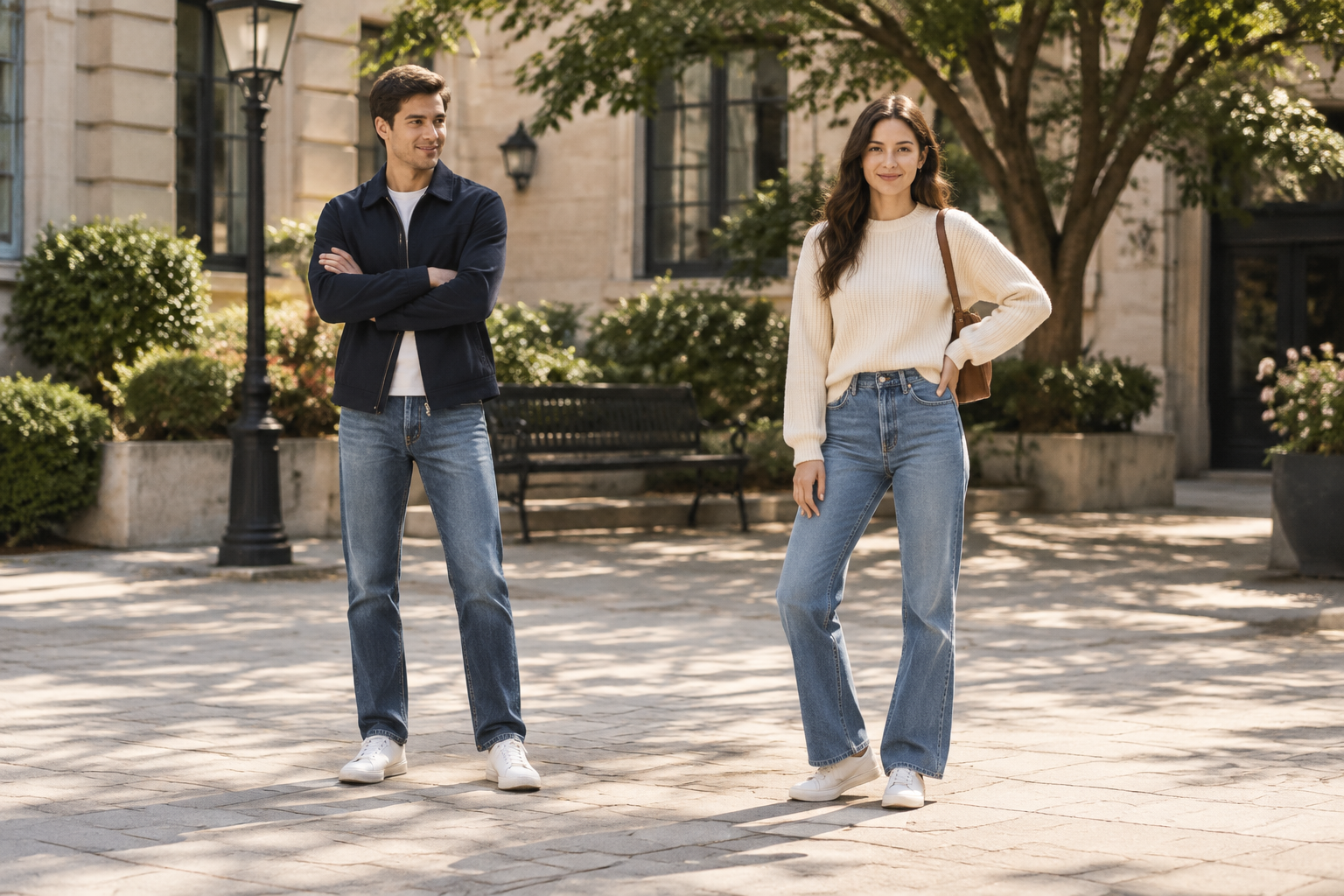
Different poses make a pair feel less repetitive. Start with crossed arms for one figure and a hand on the hip for the other, then describe the people you want.
3D referenceAI image
The two distinct stances carry through. The AI brings the people closer to the camera and changes some hand and foot details.
Try this prompt
Editorial photograph of two adult friends, a man in a navy jacket on the left and a woman in a cream knit sweater on the right, in a sunlit city courtyard. Full bodies visible. Preserve their different poses and the gap between them.
A conversation around a table
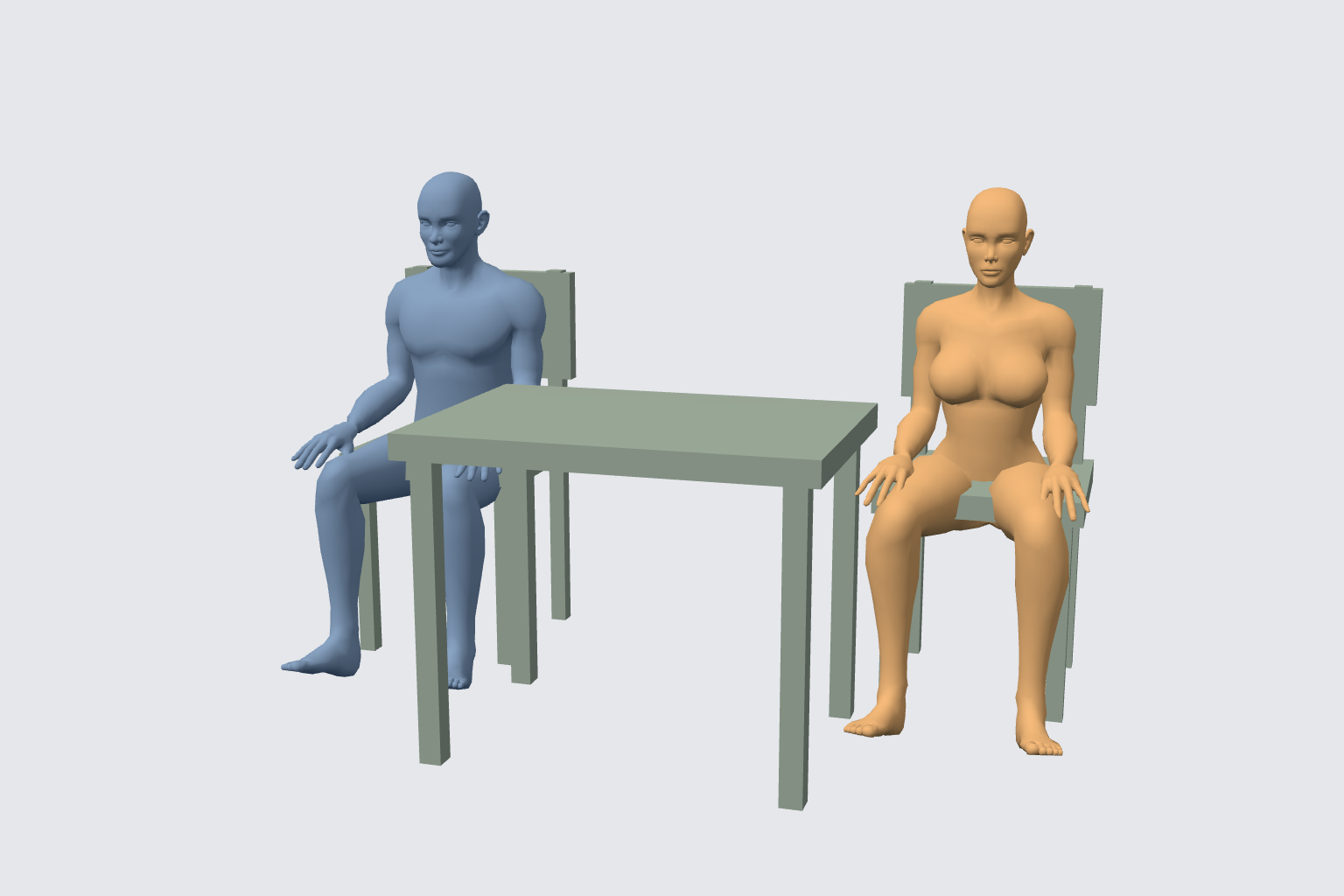
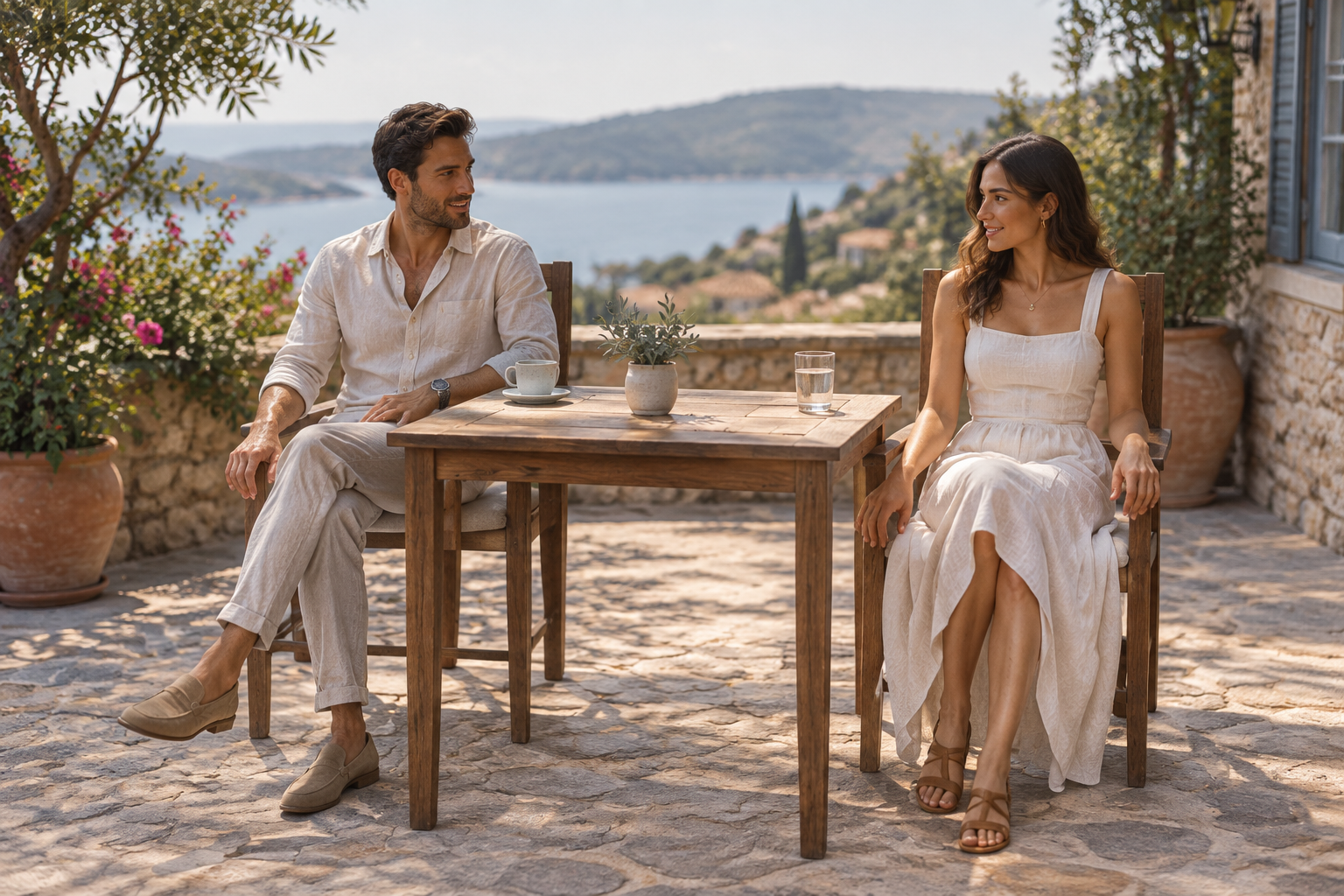
Place each seated figure on a chair, then add a table between them to connect the two poses in one scene.
3D referenceAI image
The two chairs and central table form a café scene. The people turn toward each other, with some changes to their arms and legs.
Try this prompt
Warm lifestyle photograph of an adult man seated on the left chair and an adult woman seated on the right chair, talking over a small wooden cafe table placed between and slightly in front of them. Preserve both seated poses, two chairs and one table. Linen clothing, quiet terrace, natural afternoon light.
Make room for pets
Cats, dogs and horses have their own pose choices. Add them to a human scene, or make the animals the main characters.
A person, a dog and a ball
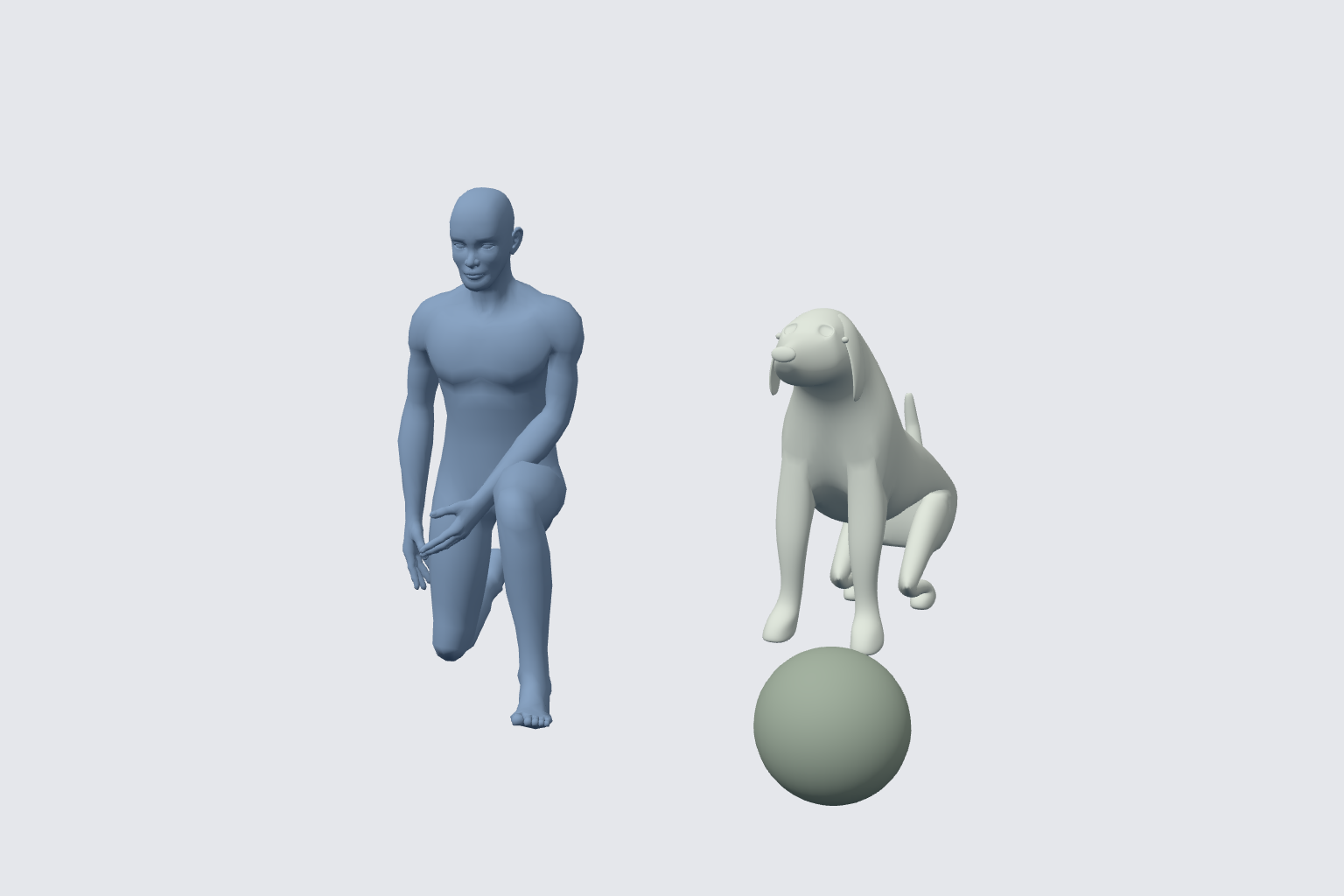
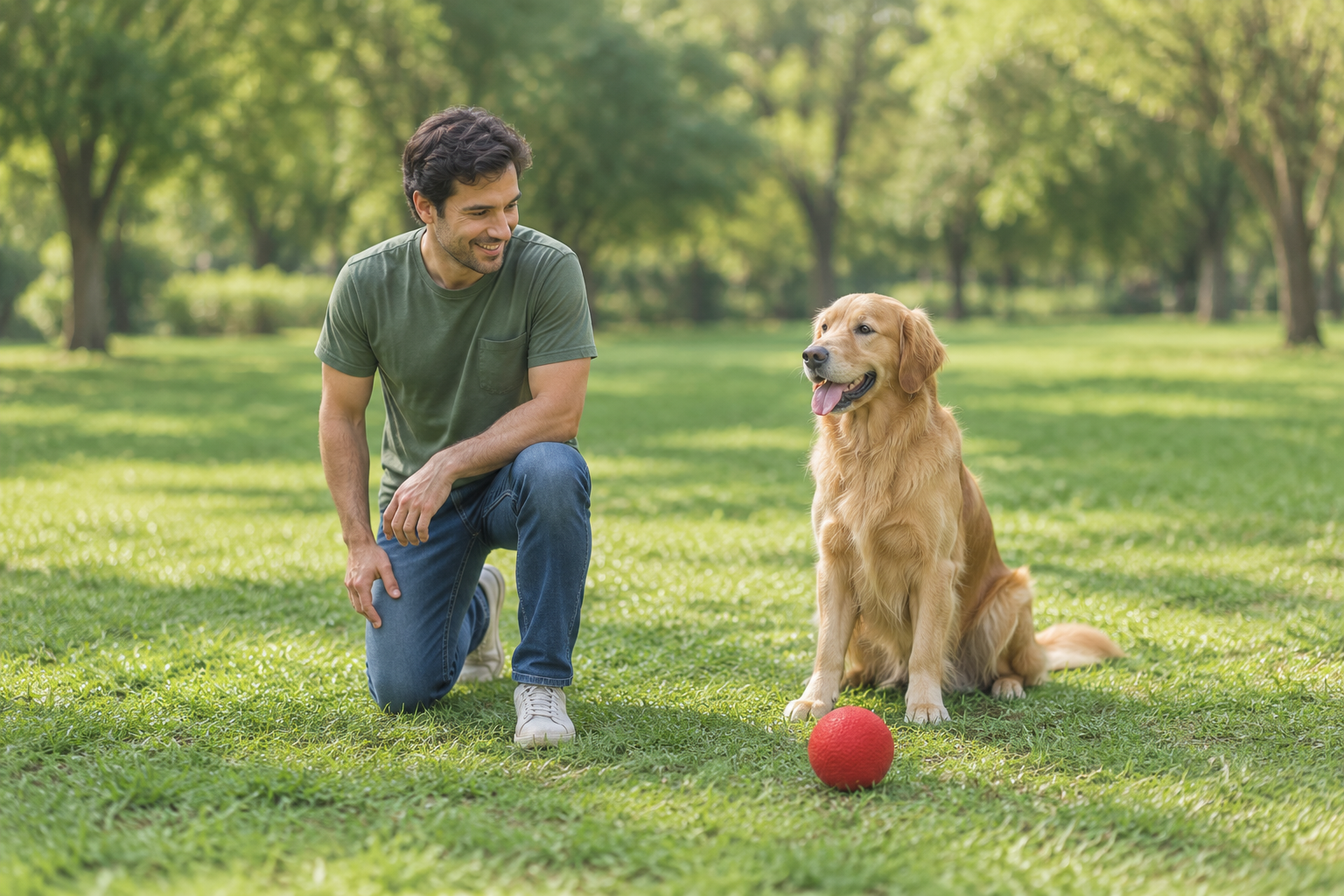
A kneeling person, a sitting dog and a ball suggest an interaction. Place the ball where you want the viewer to look.
3D referenceAI image
The kneeling person, sitting dog and foreground ball all carry through into the park setting.
Try this prompt
Natural outdoor photograph of an adult man kneeling on the left beside a seated golden retriever on the right, a red rubber ball in front of the dog. Keep the kneeling posture and separated silhouettes. Casual green shirt, grass, softly blurred park. Exactly one person, one dog, one ball.
A quiet moment with a cat
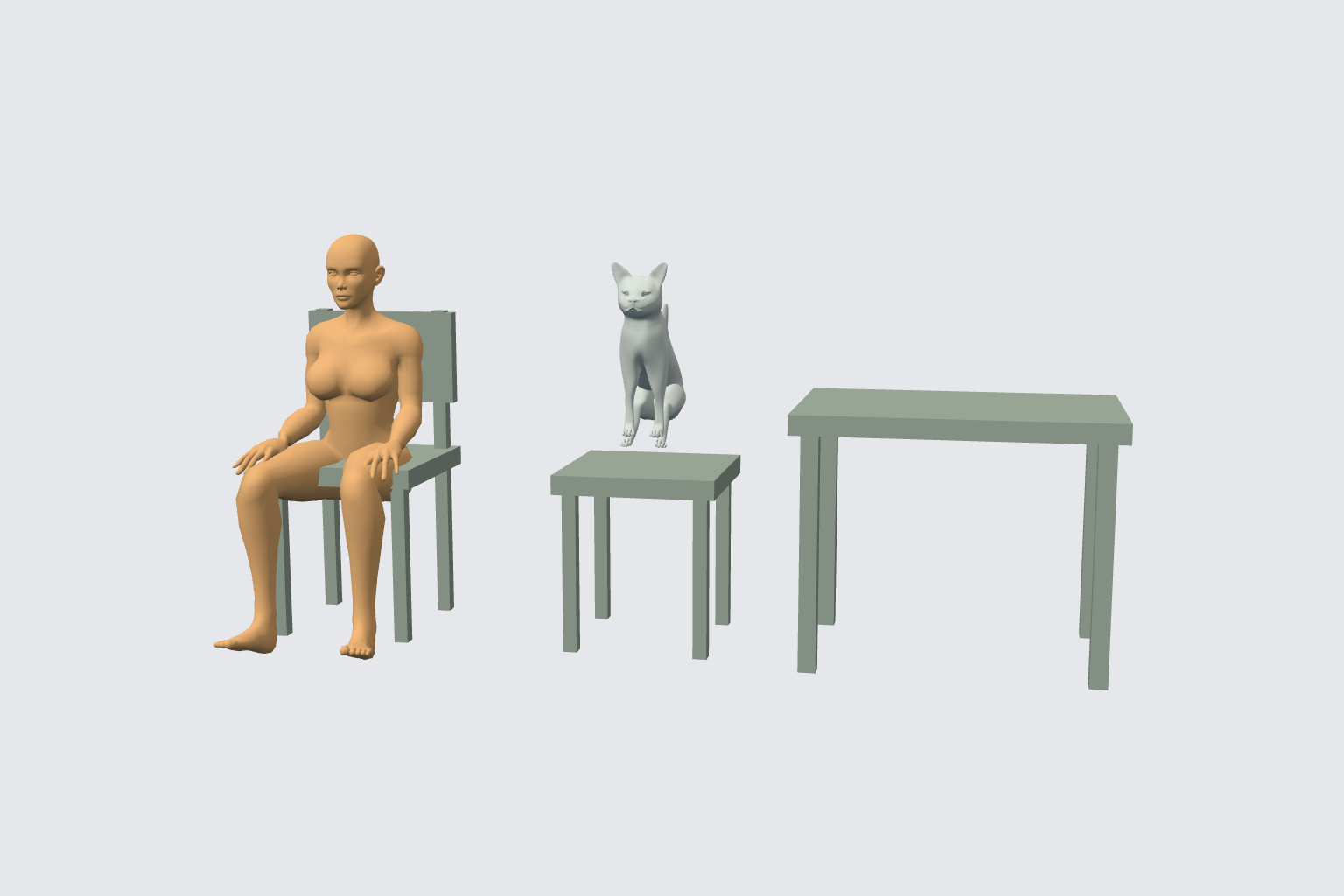
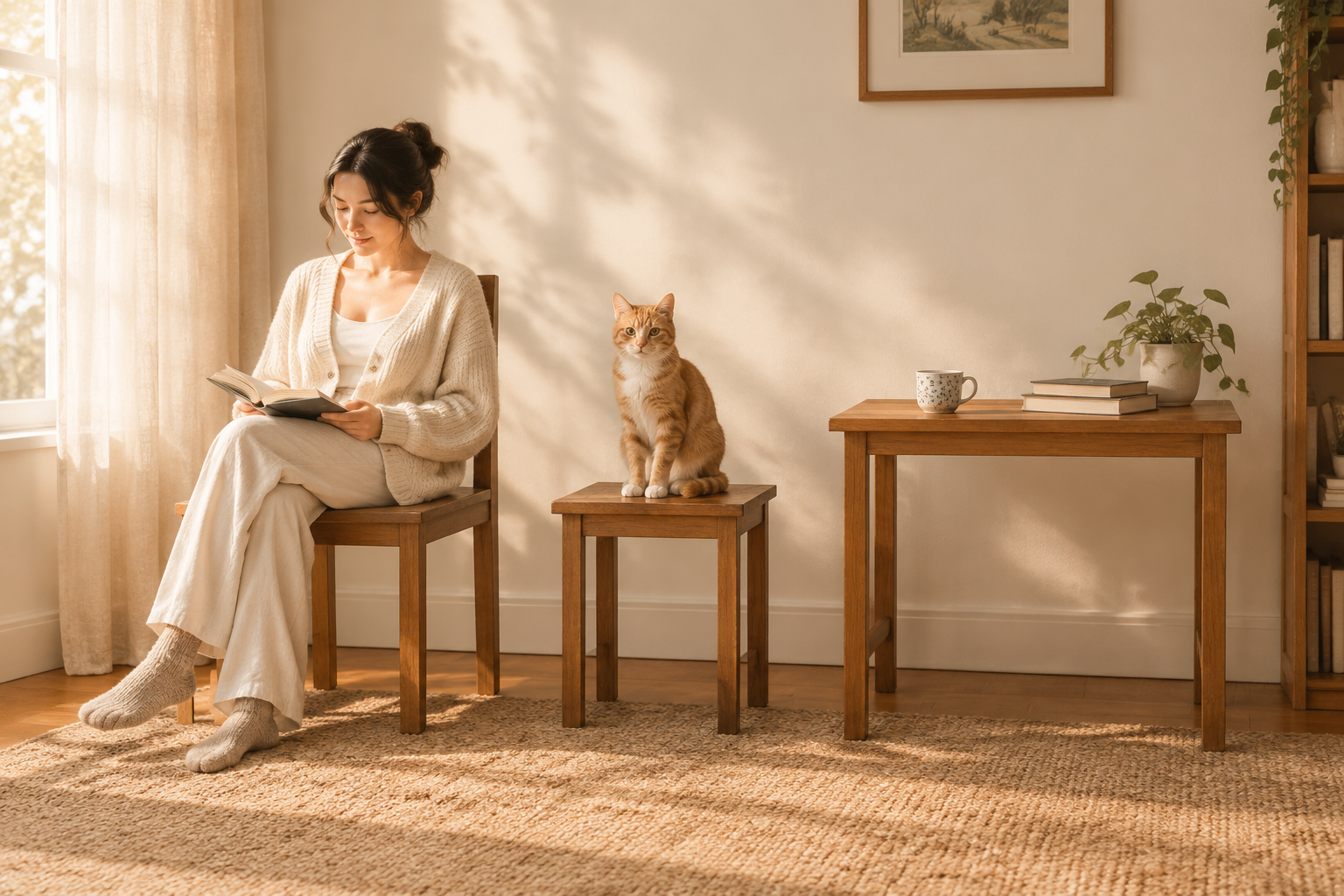
Put a cat on a stool beside a seated person, then add a table. Simple height differences help keep every subject visible.
3D referenceAI image
The person, cat and three pieces of furniture keep their left-to-right arrangement. The AI adds a book and changes the person’s hands to hold it.
Try this prompt
Cozy lifestyle photograph of an adult woman seated on a wooden chair on the left, a ginger cat sitting on the stool to her right and a small side table farther right. Keep the cat on the stool, the seated body language and the positions of all three pieces of furniture. Soft cream cardigan, warm window light, home reading corner. No extra people or pets.
Two runners and their dog
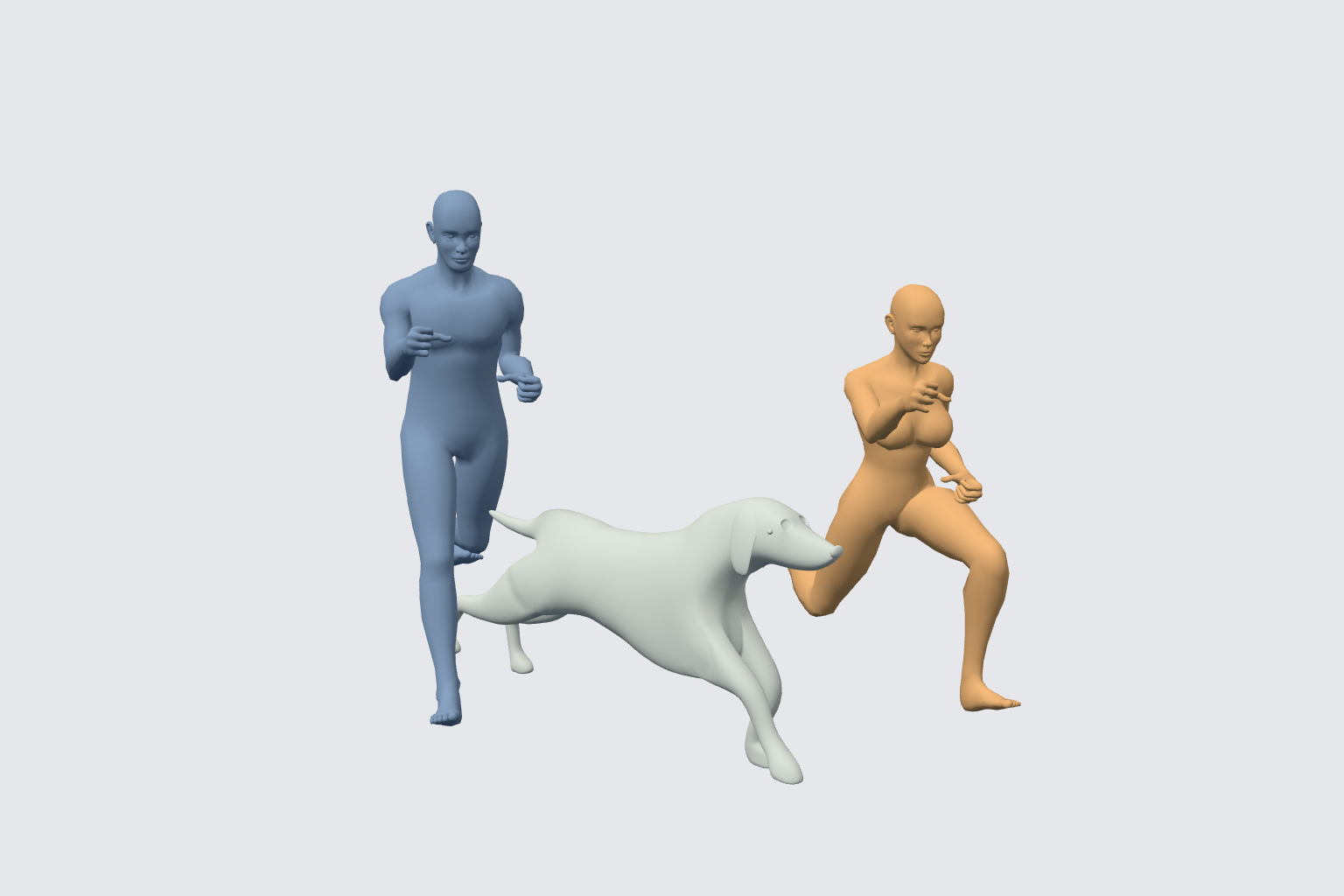
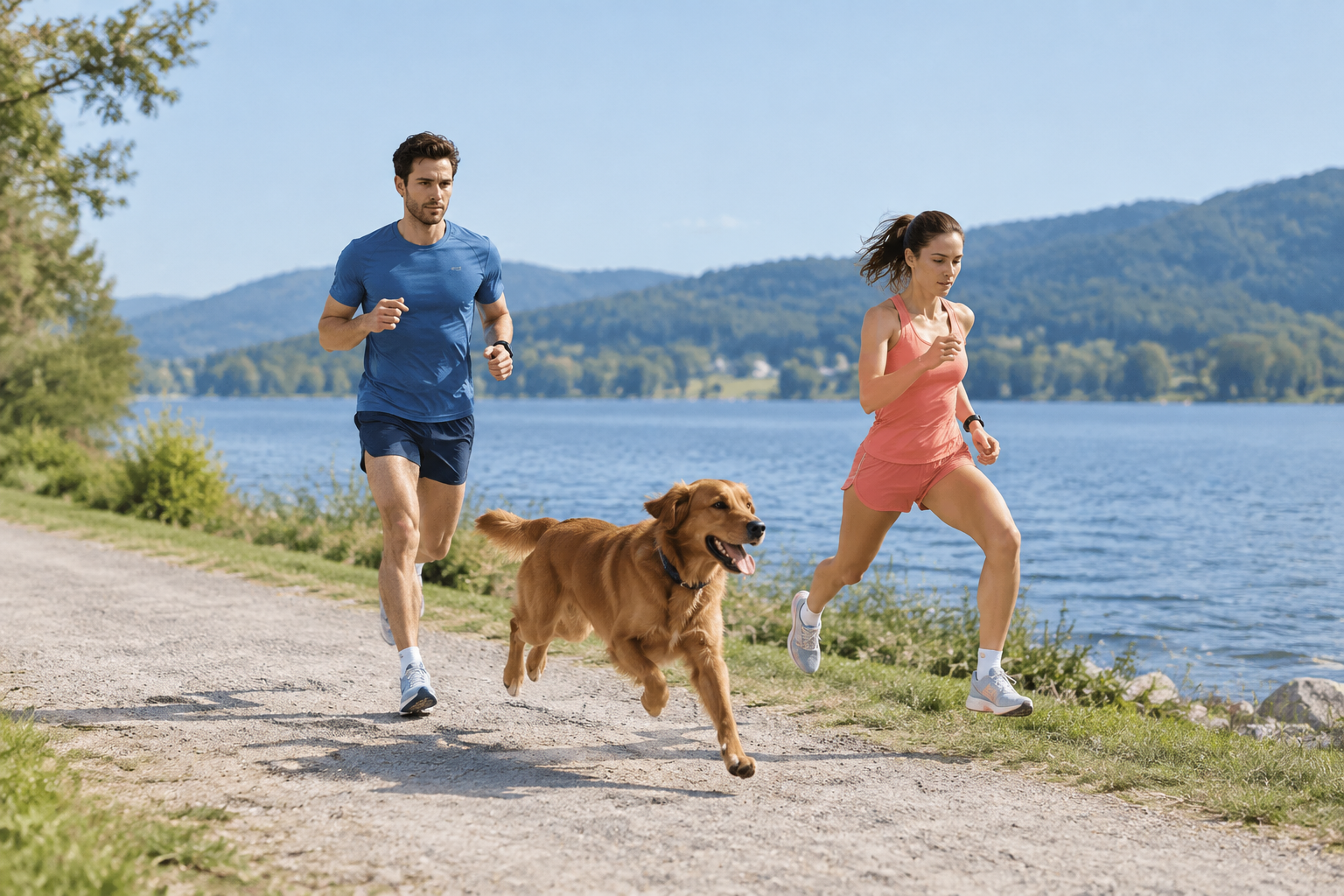
Start with running presets for both people and the dog. Stagger their positions to give the scene depth and leave room for moving limbs.
3D referenceAI image
Both runners and the dog remain in the scene, while the AI changes the dog’s direction and some running details.
Try this prompt
Sports editorial photograph of an adult man and woman running together with a brown dog between them in the foreground, on a lakeside path. Keep the two running body poses, staggered positions and full bodies. Blue and coral athletic clothing, crisp daylight, believable running motion. Exactly two people and one dog.
Arrange three animals together
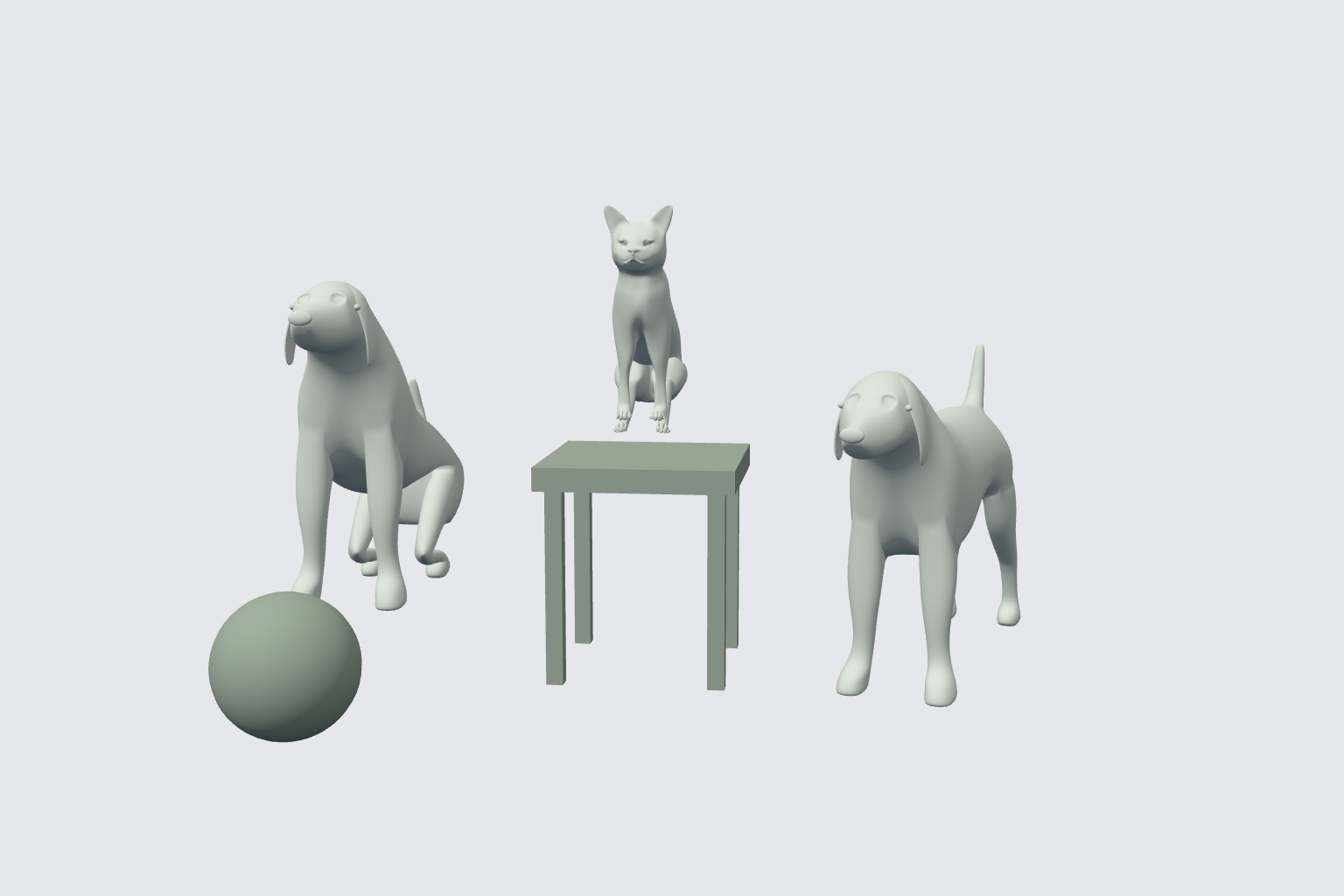
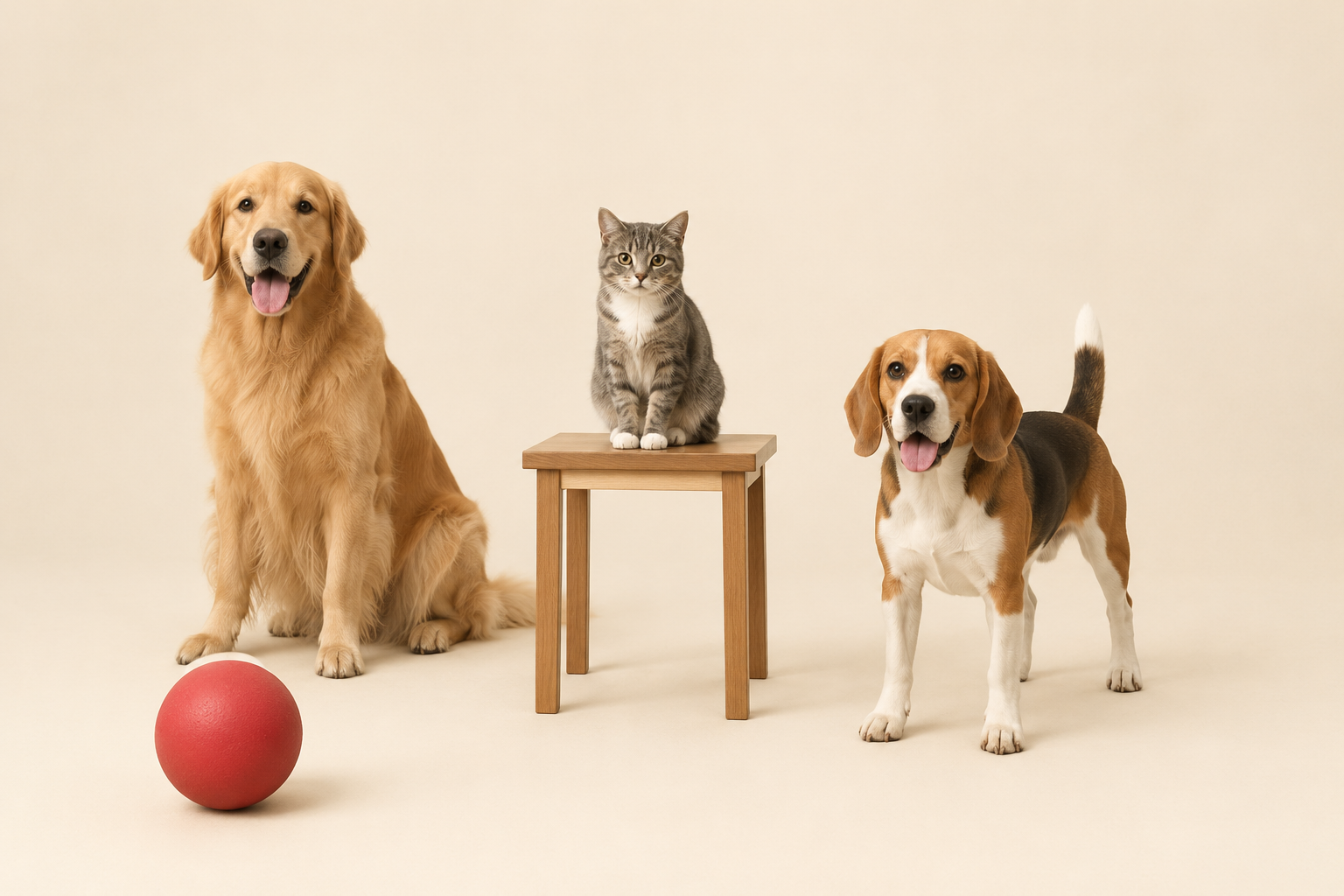
Arrange two dogs and a cat without adding a person. A stool brings the smaller animal into the group, while a ball gives the foreground a point of interest.
3D referenceAI image
Both dogs, the cat on the stool and the foreground ball are present. The prompt supplies their breeds, fur and studio setting.
Try this prompt
Studio pet photograph of a seated golden retriever on the left, a small seated gray cat on the center stool and a second beagle standing on the right. A red ball rests at the front left. Match the spacing and camera view. Exactly two dogs and one cat, one wooden stool and one ball. Warm cream backdrop, gentle softbox light, realistic fur.
Keep the scene. Change the view.
A front view, a three-quarter view and a view from above can tell different stories. Try a new camera angle before changing the poses.
More camera ideas: crossed arms, kneeling and jogging
These earlier single-person examples show how changing the view affects the picture.
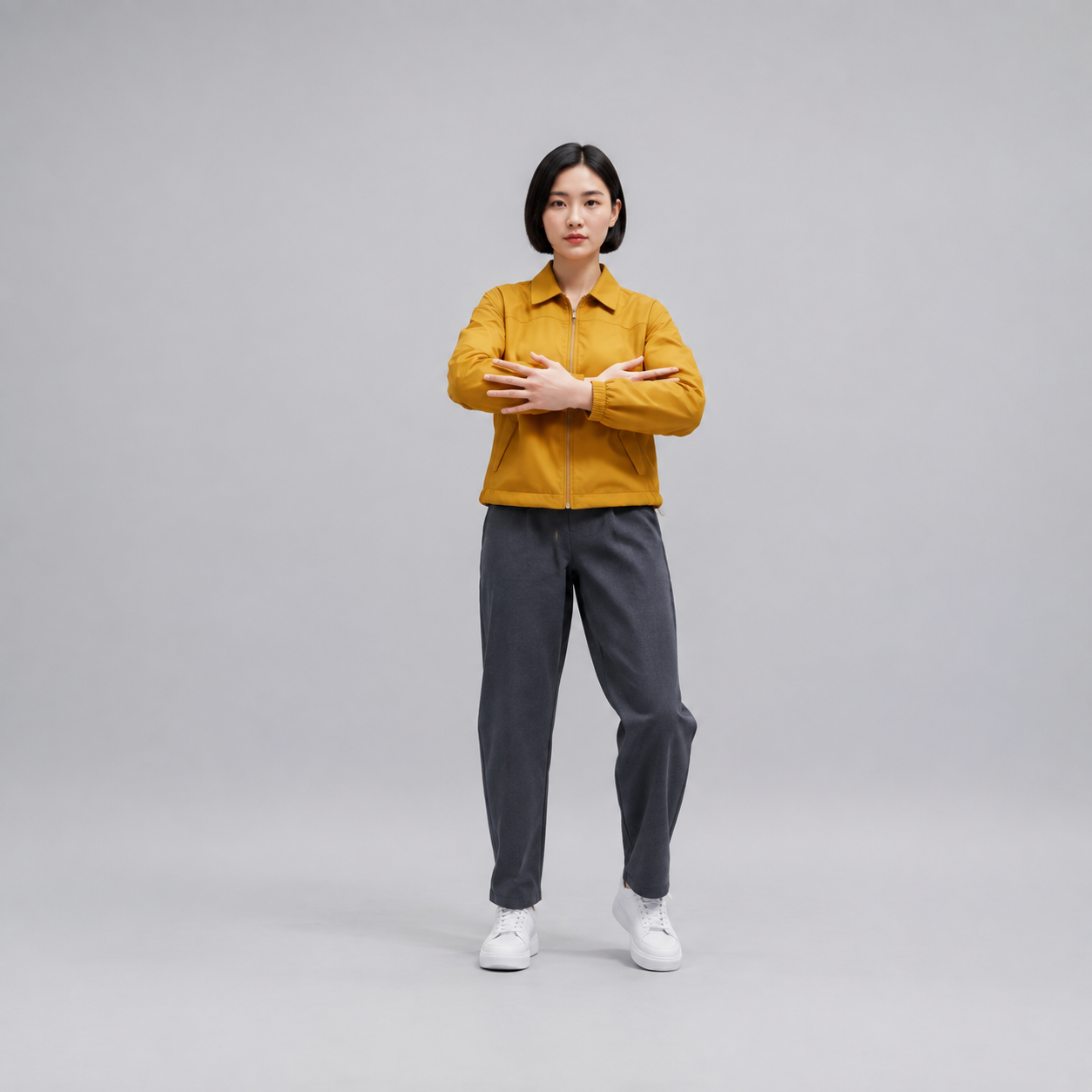
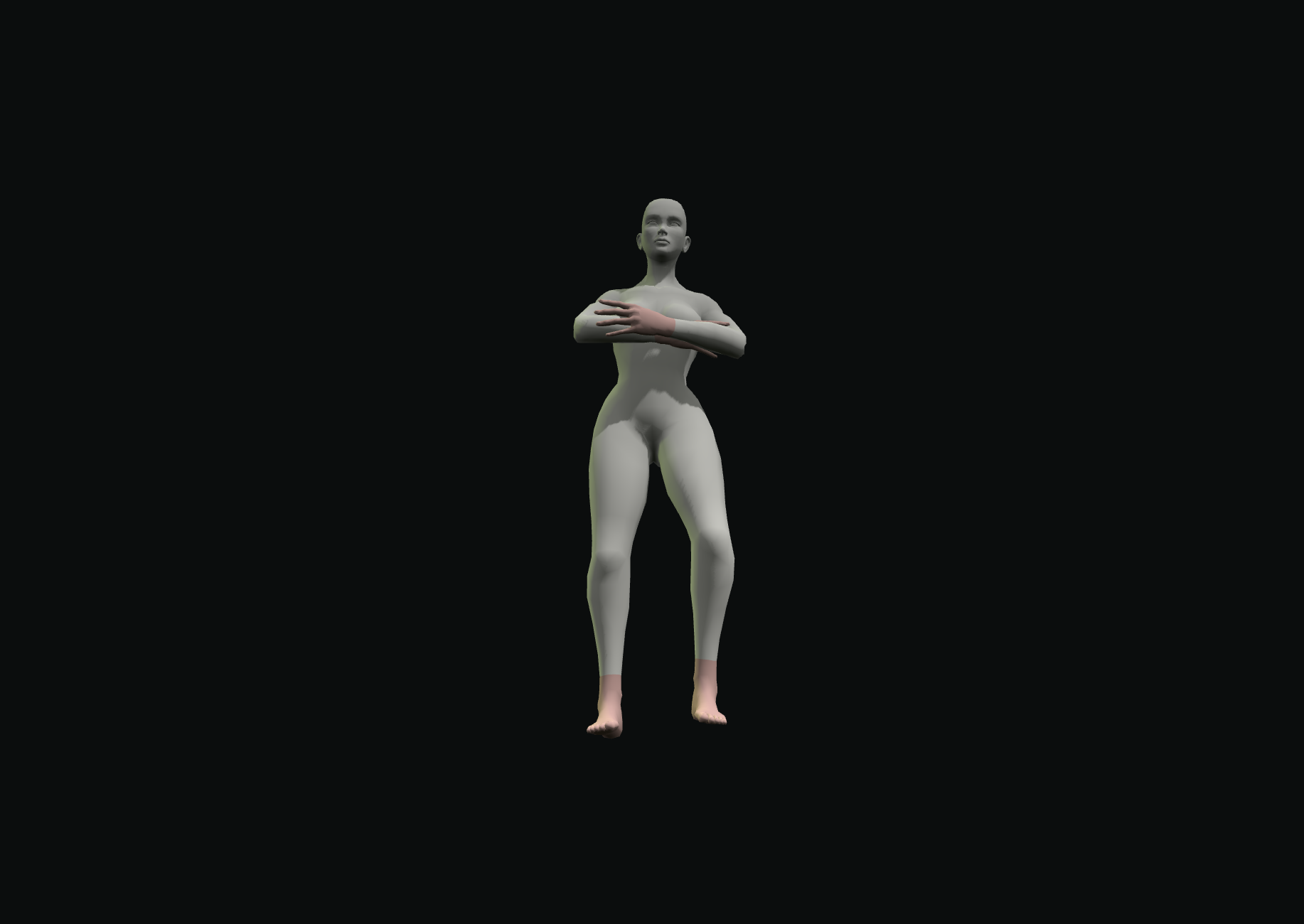
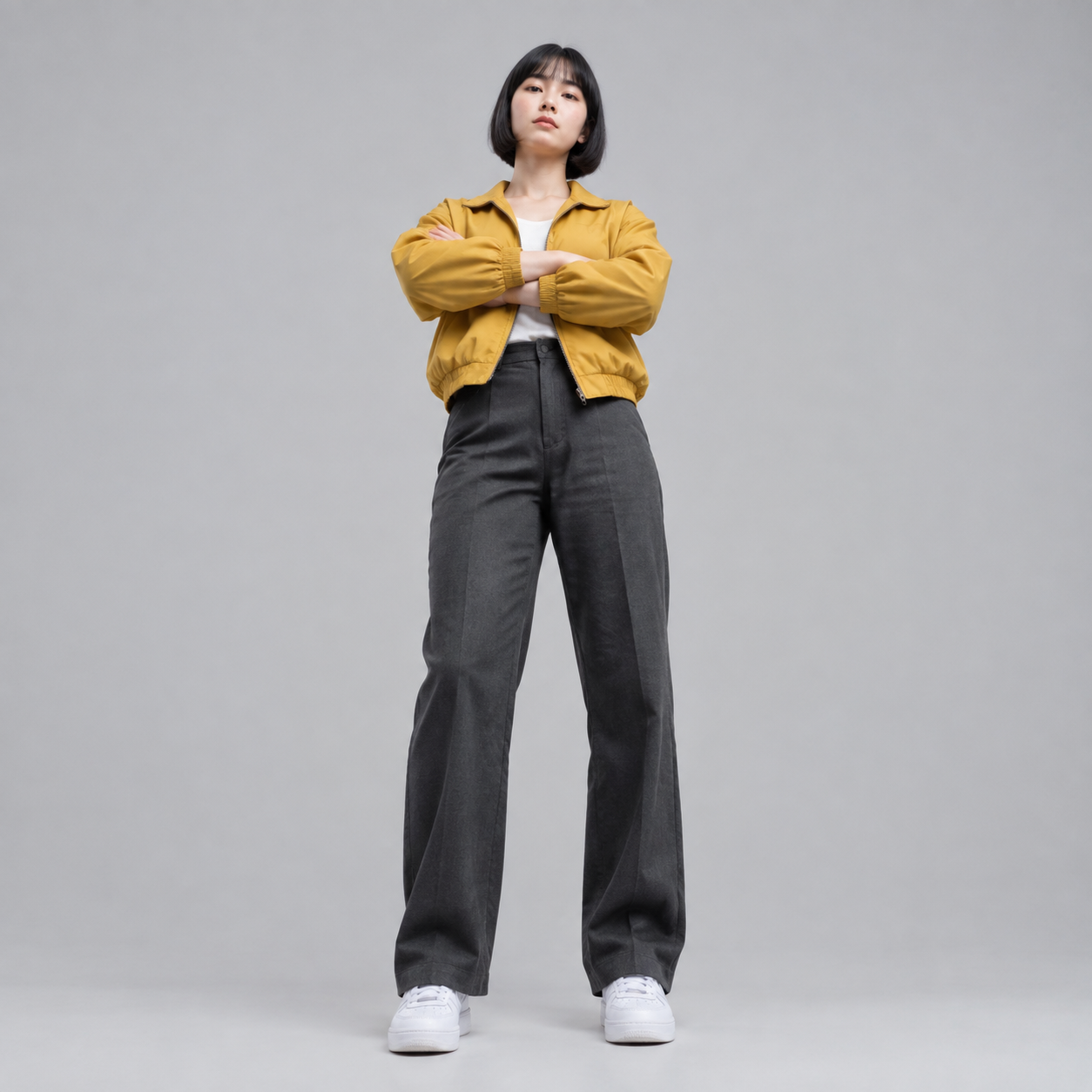
Crossed arms: front and low views
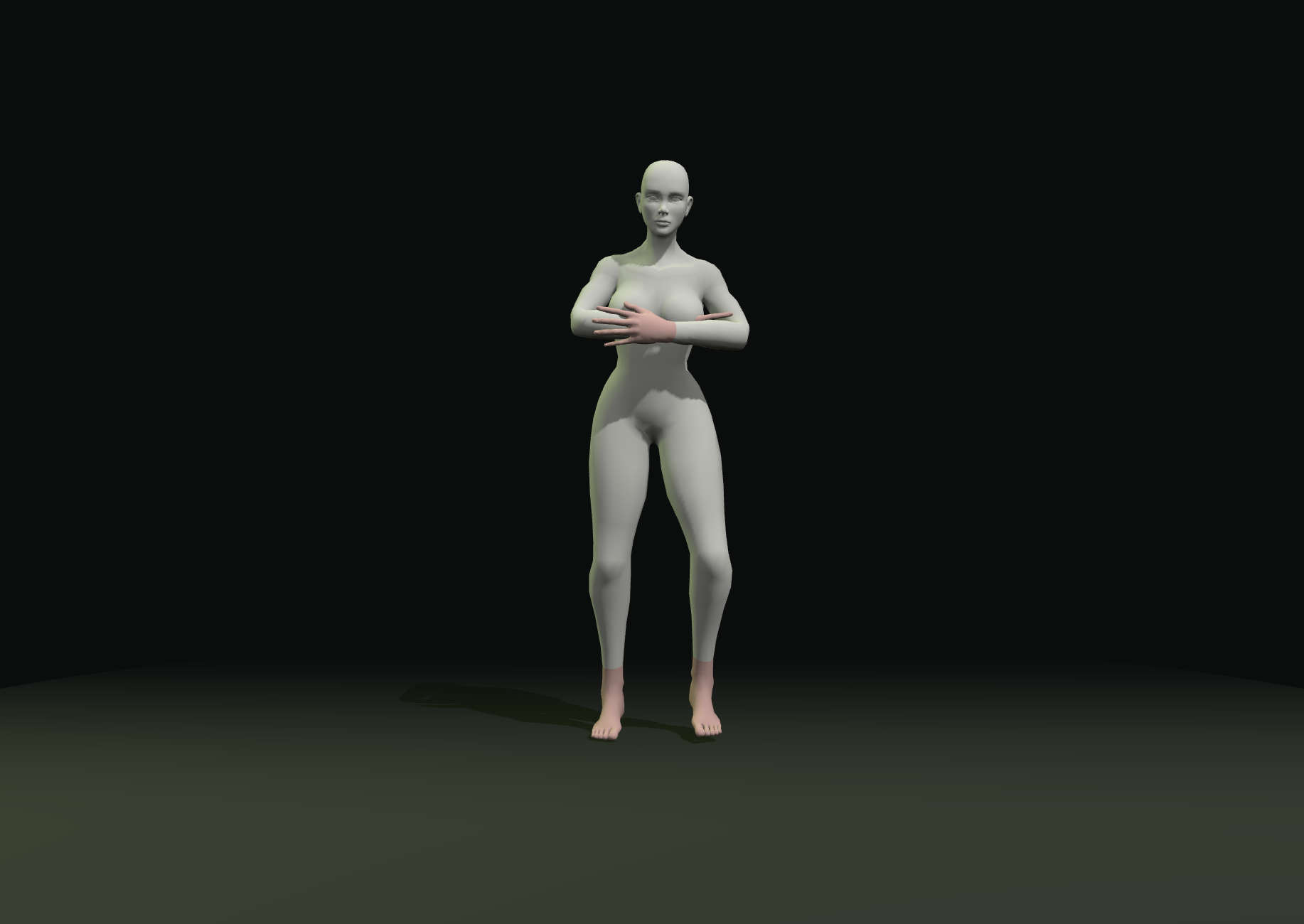
The same crossed-arms body pose, viewed from the front and from below. Compare the arm overlap, head-to-body perspective, and crop.
Front view
ReferenceCrossed arms · frontAI image
The folded arms carry through, while the person fills more of the final frame.
Low view
ReferenceCrossed arms · lowAI image
The view from below carries through. The hands tuck in and the legs straighten, so compare the result with the pose you wanted.
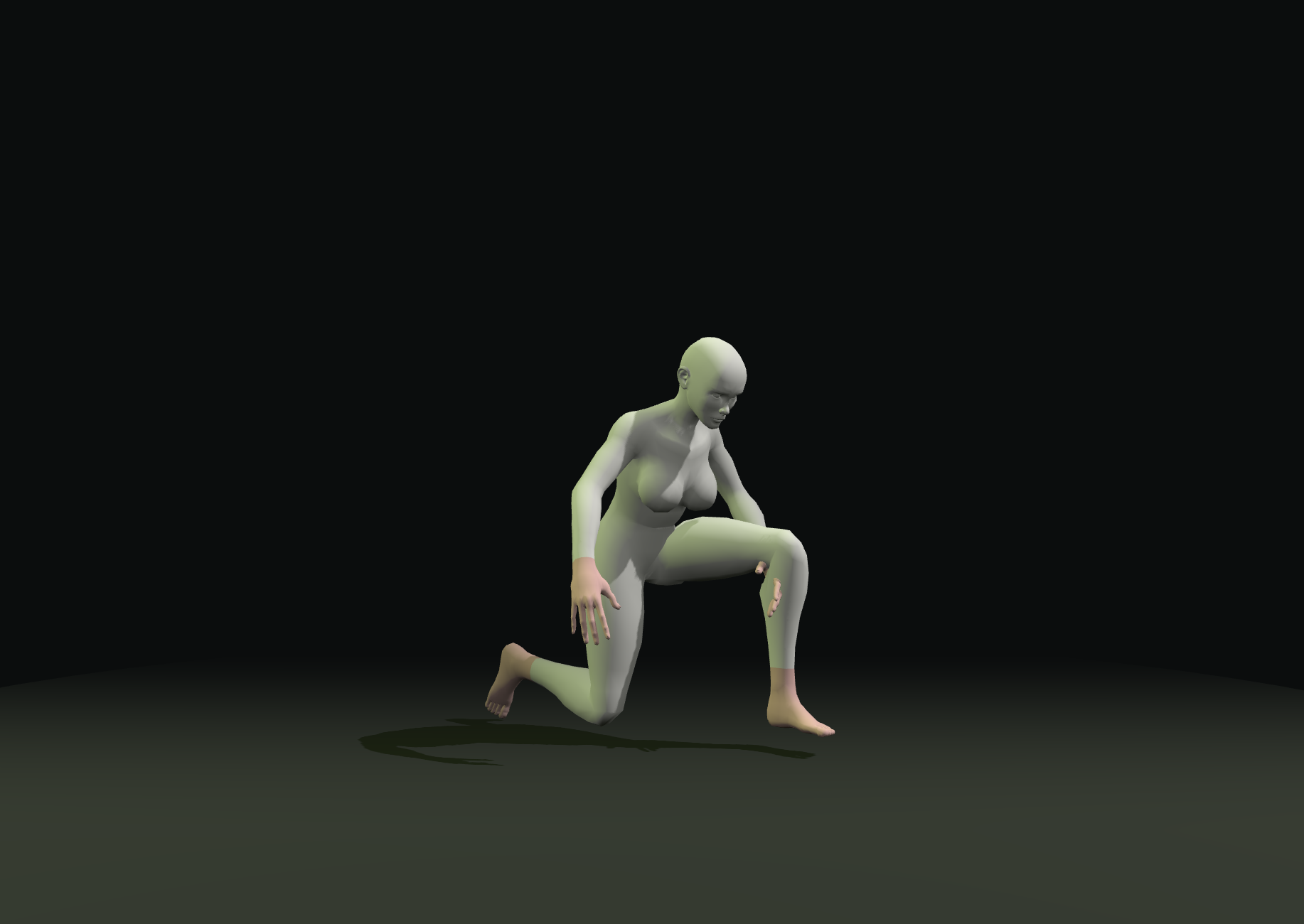
Kneeling: three-quarter and high views
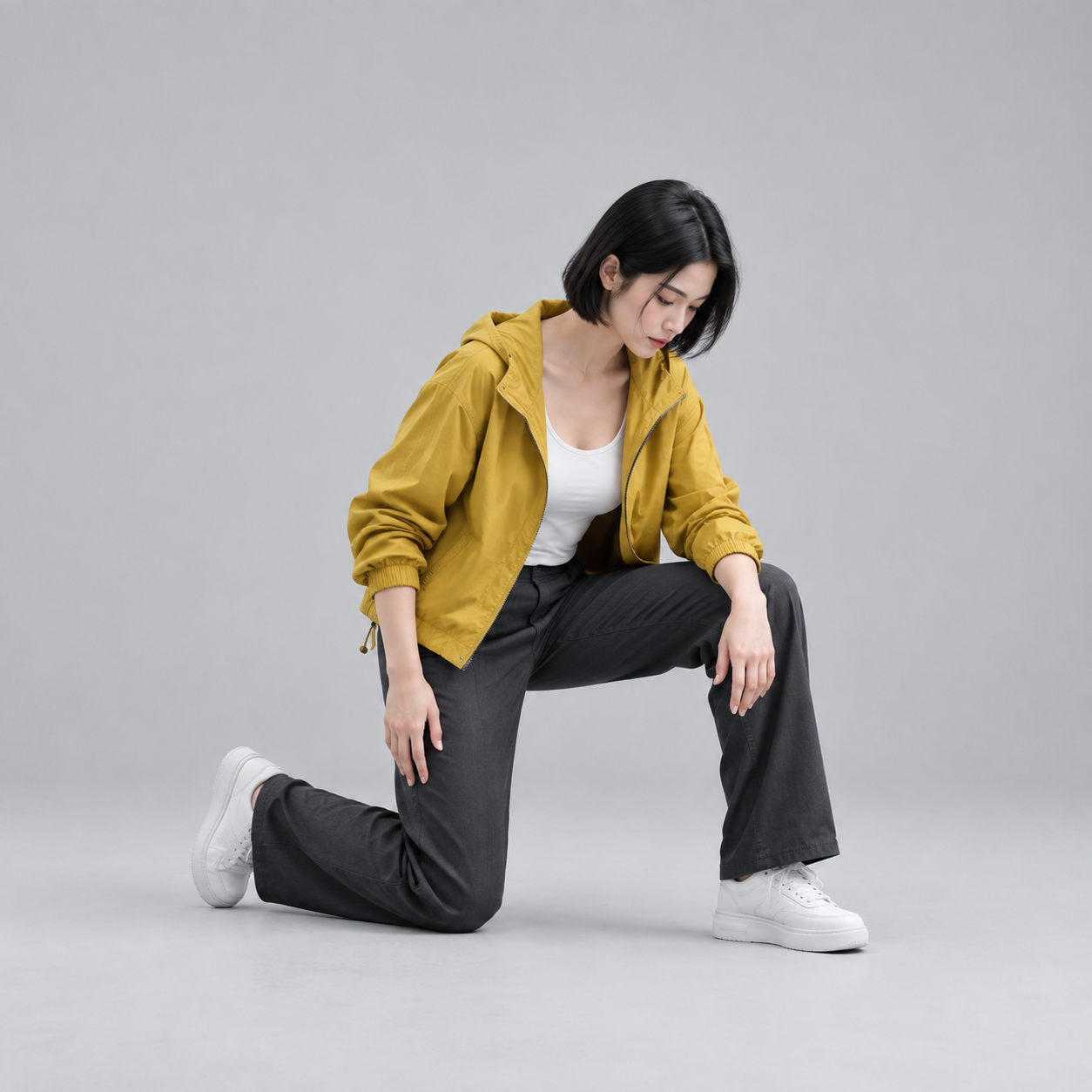
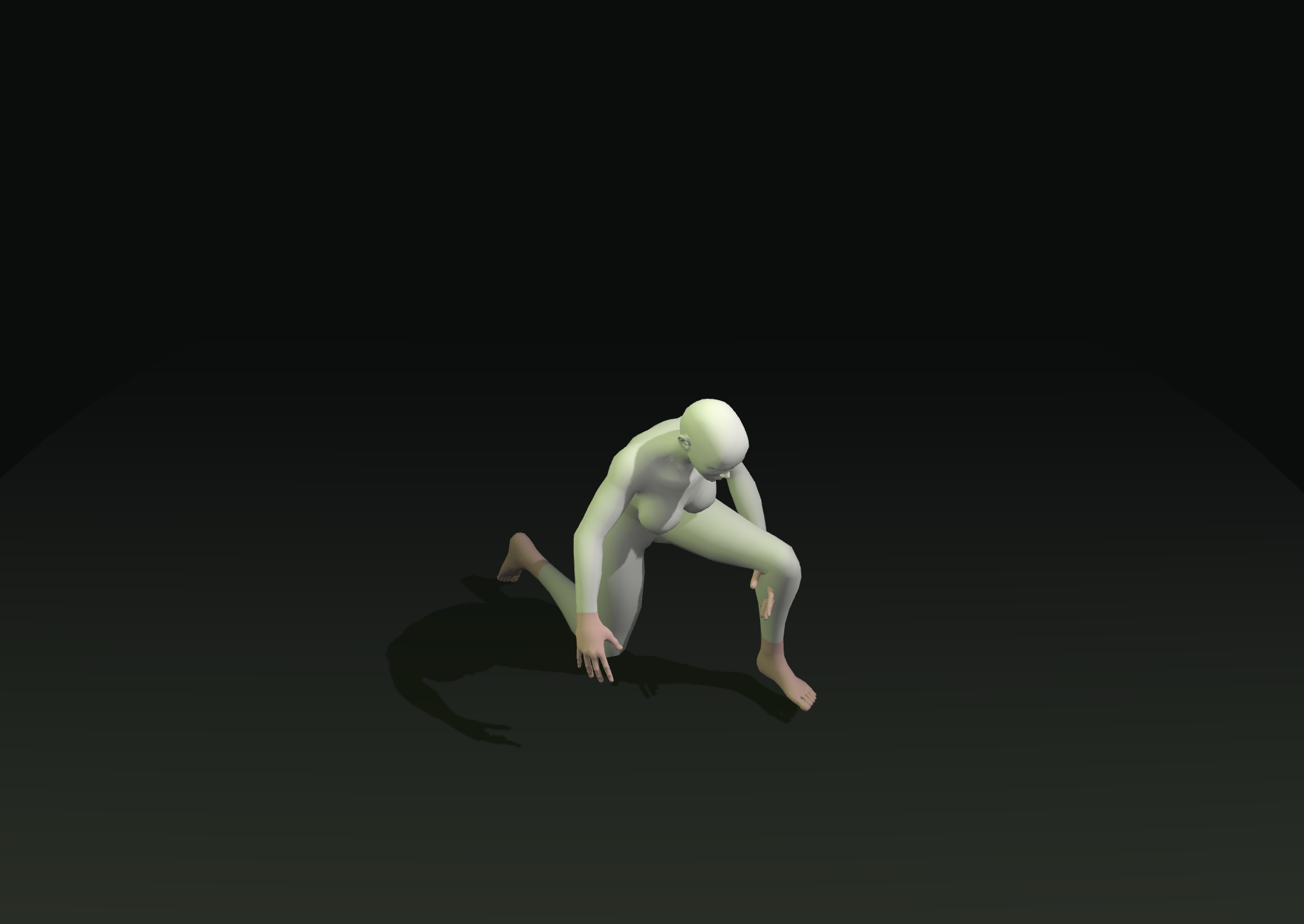
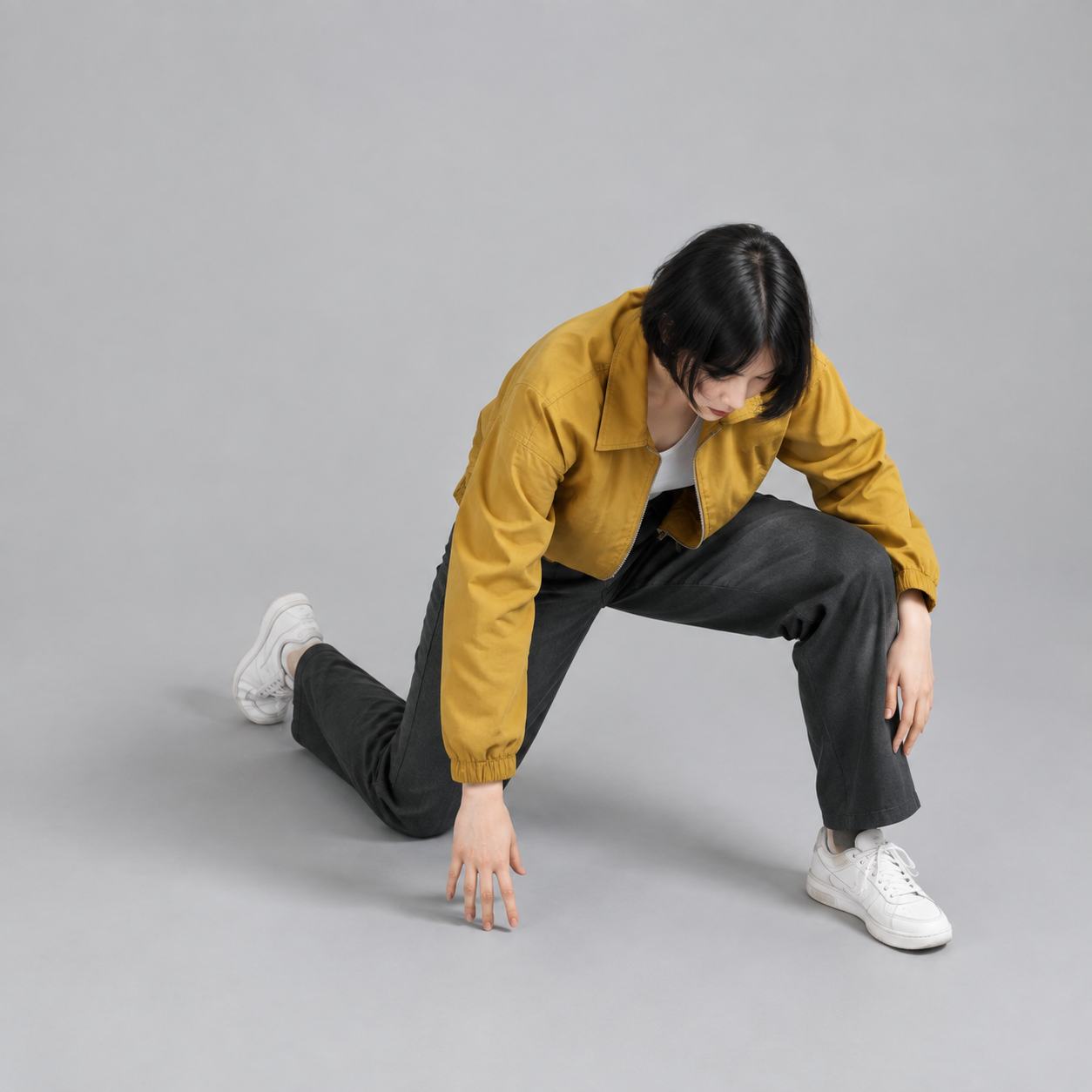
The same kneeling body pose from two camera positions. Compare the bent legs, visible contact with the floor, and how the figure occupies the frame.
Three-quarter view
ReferenceKneeling · three-quarterAI image
The one-knee-down pose carries through, with a small change in hand placement.
High view
ReferenceKneeling · highAI image
The raised camera shows more of the head and shoulders. The hand reaches farther down in the result.
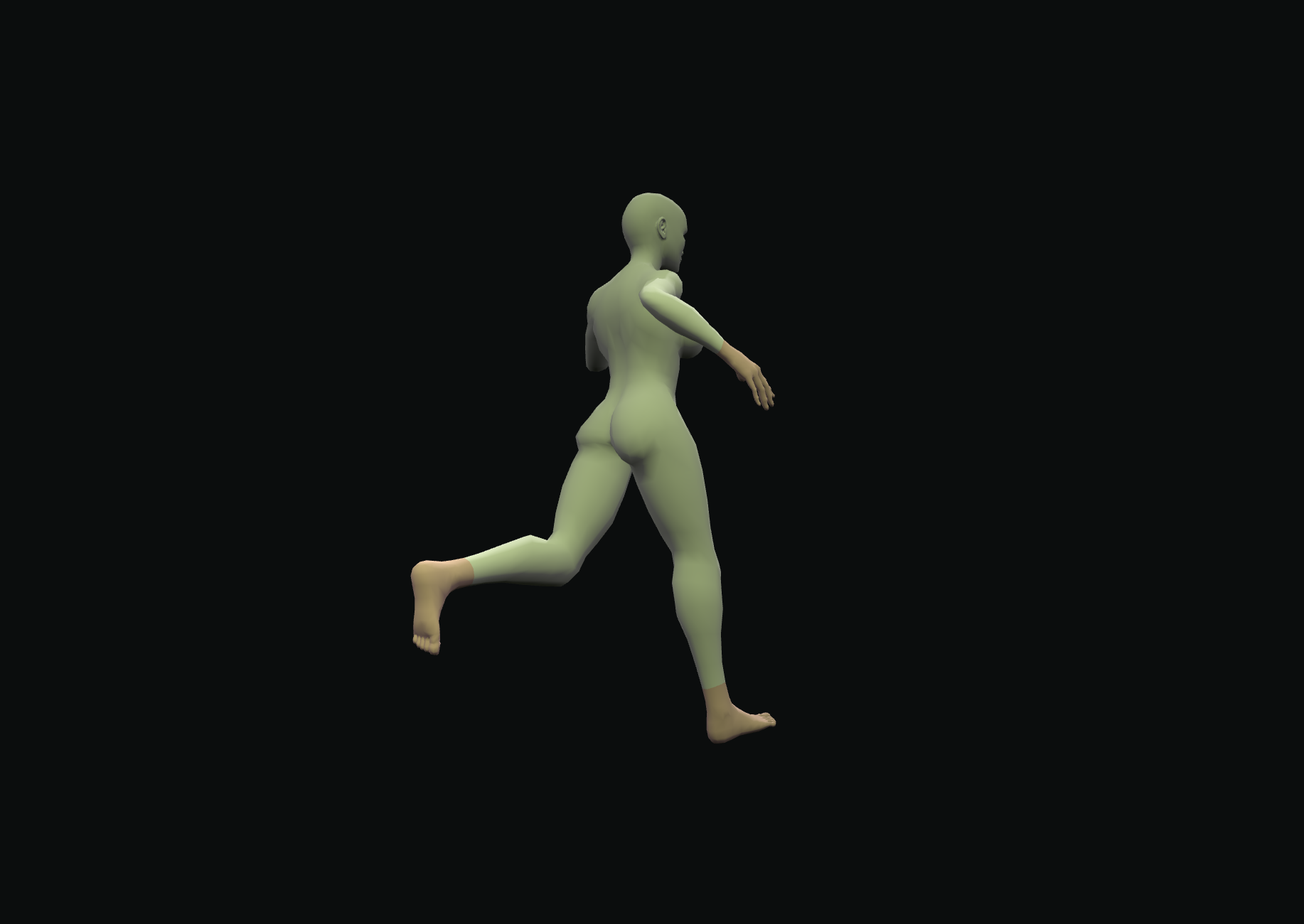
Jogging: side and three-quarter views
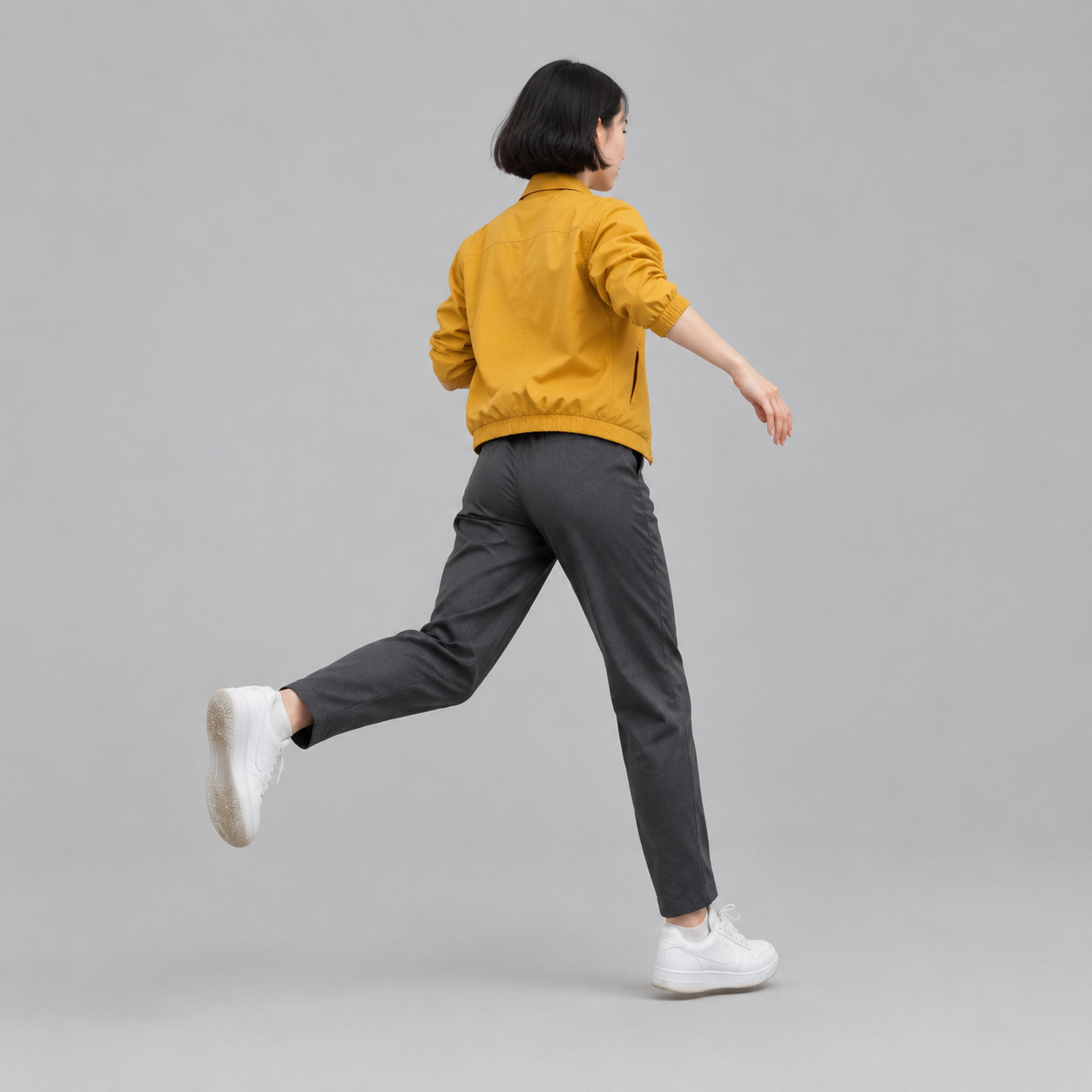
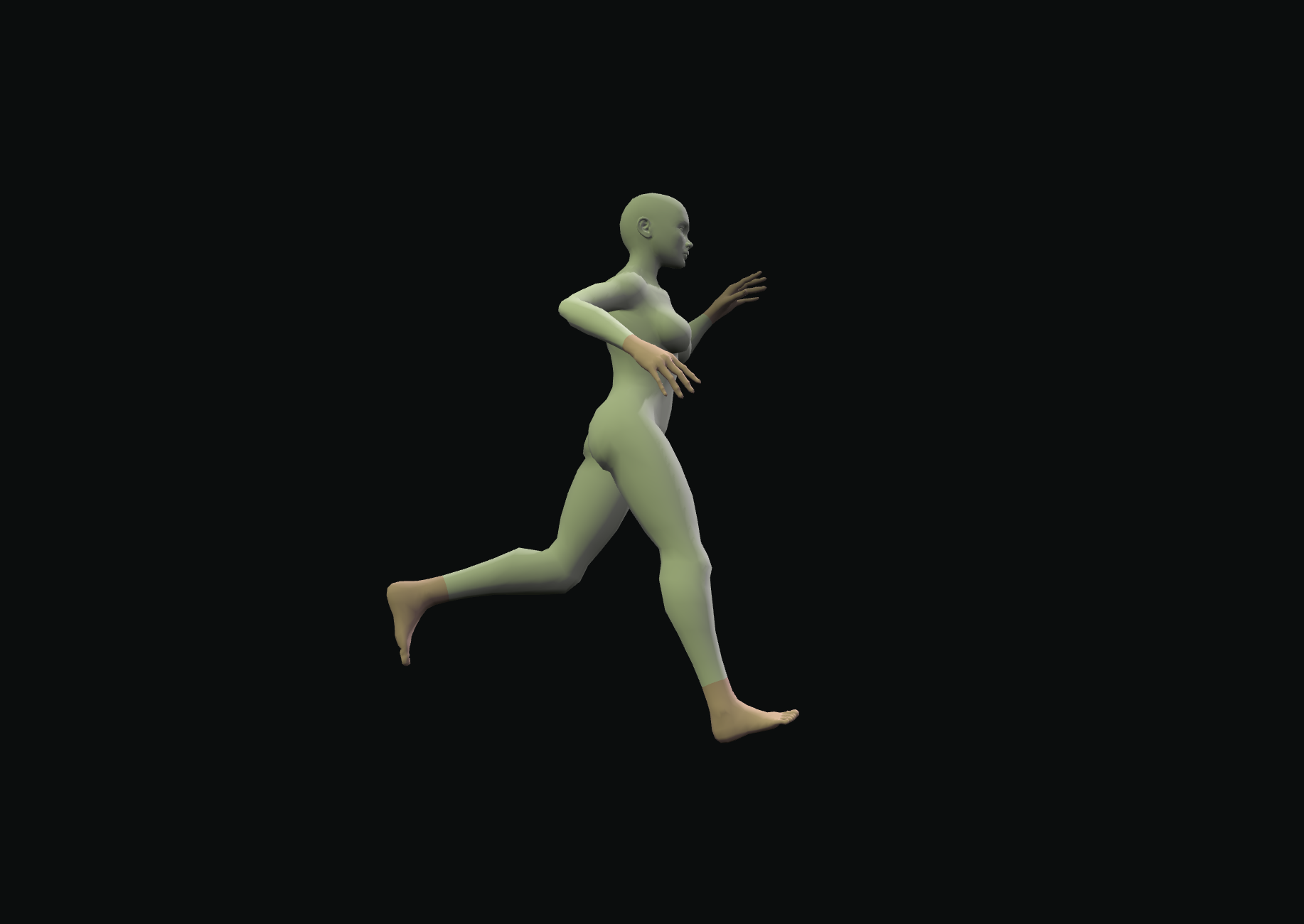
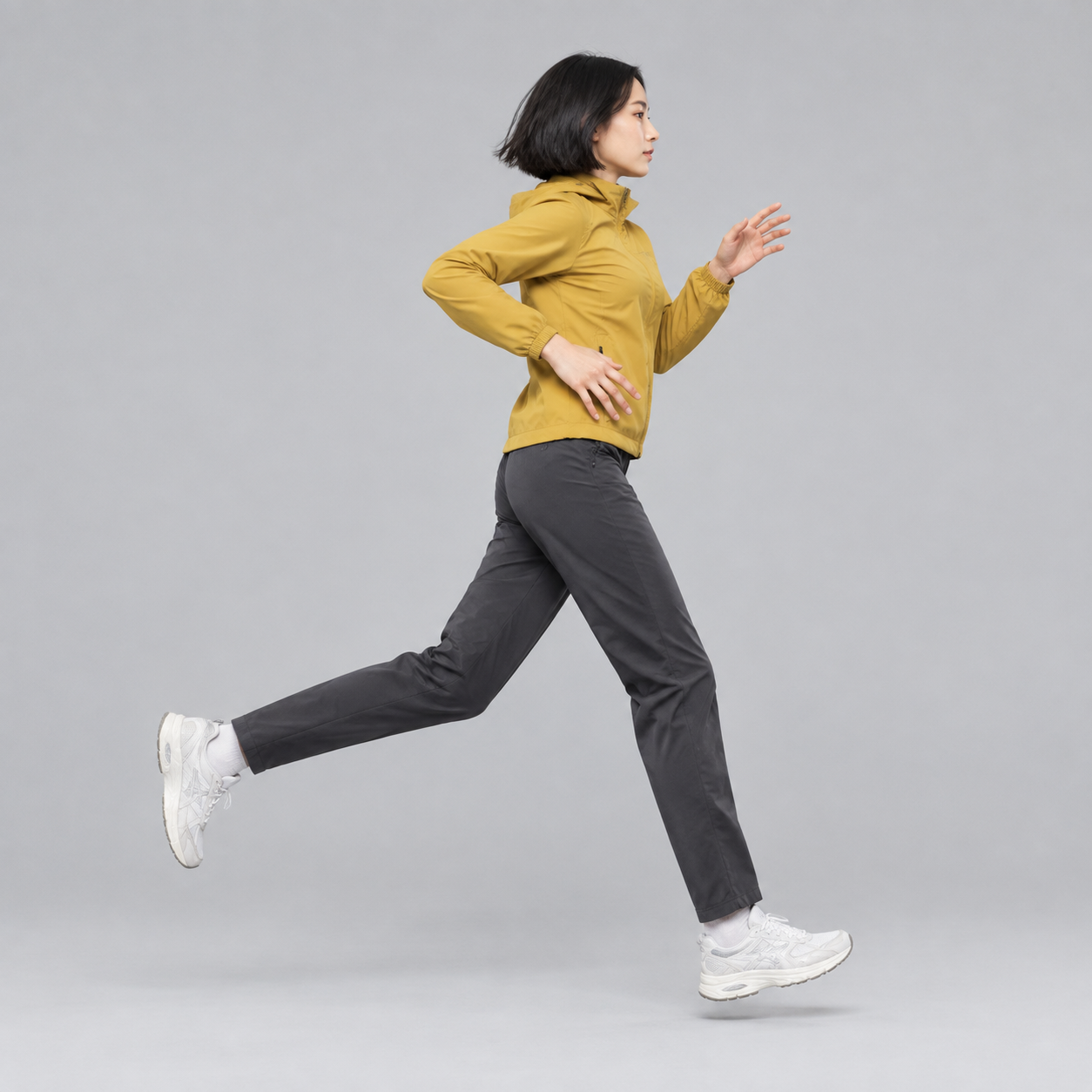
The same jogging body pose from the side and at a three-quarter view. Compare the arm swing, bent legs, and separation of the limbs.
Rear-biased side view
ReferenceJogging · sideAI image
The rear-facing running view remains, while the final image moves closer to the person.
Front-oblique view
ReferenceJogging · three-quarterAI image
The broad running pose carries through, with changes to wrist and foot angles.
From an idea to a reference in a few minutes
Add your cast. Choose the people and animals you need. Add another character whenever the scene needs one.
Start with presets. Pick sitting, walking, a gesture or an action pose, then adjust the body if you want something more specific.
Give them a place. Add furniture or other props. Move, rotate and resize each object until the arrangement reads clearly.
Find your view. Orbit around the scene, use a camera shortcut, or pan with Shift + left-drag. Choose colors that make the shapes easy to distinguish.
Make the image. Click Pose to Image and describe the people, setting and style. Or download the reference and use it in another image tool.
What should you put in the prompt?
Let the reference show the arrangement. Use words for the details it cannot show: who the people are, their clothes, the place, the time of day and the mood.
Keep the people, animals, poses and furniture in the positions shown. Turn this scene into a warm garden photograph. Dress the people in relaxed summer clothes, add natural fur to the pets, and use soft afternoon light. Keep everyone fully visible.
For a busy scene, also state how many people and animals you want. Give each one a simple description, such as “the seated person on the left” or “the cat on the stool.”
Check spacing, visibility and detail
Leave a gap between subjects when their arms, legs or tails overlap too much.
Check the view from the camera you will actually use. A good pose can disappear behind a table.
Use body and background colors to make your reference easy to read.
After generation, check the details that matter to you, especially hands, pet count, furniture and the crop. The reference guides the image, so some details can still change.
About these examples
The nine new reference-to-image examples use Pose Studio’s current character models, pose presets and props, arranged for this article. The references were rendered from saved scene setups and sent to the site’s image service using developer API credits. Each new example shows its first generated image, without retouching. Ten requests were submitted; one timed out and is not shown as a finished example. The earlier six examples use captures from the previous single-person editor.
Results vary with the image model and prompt. These examples show possibilities, not a guarantee of exact poses or object placement.